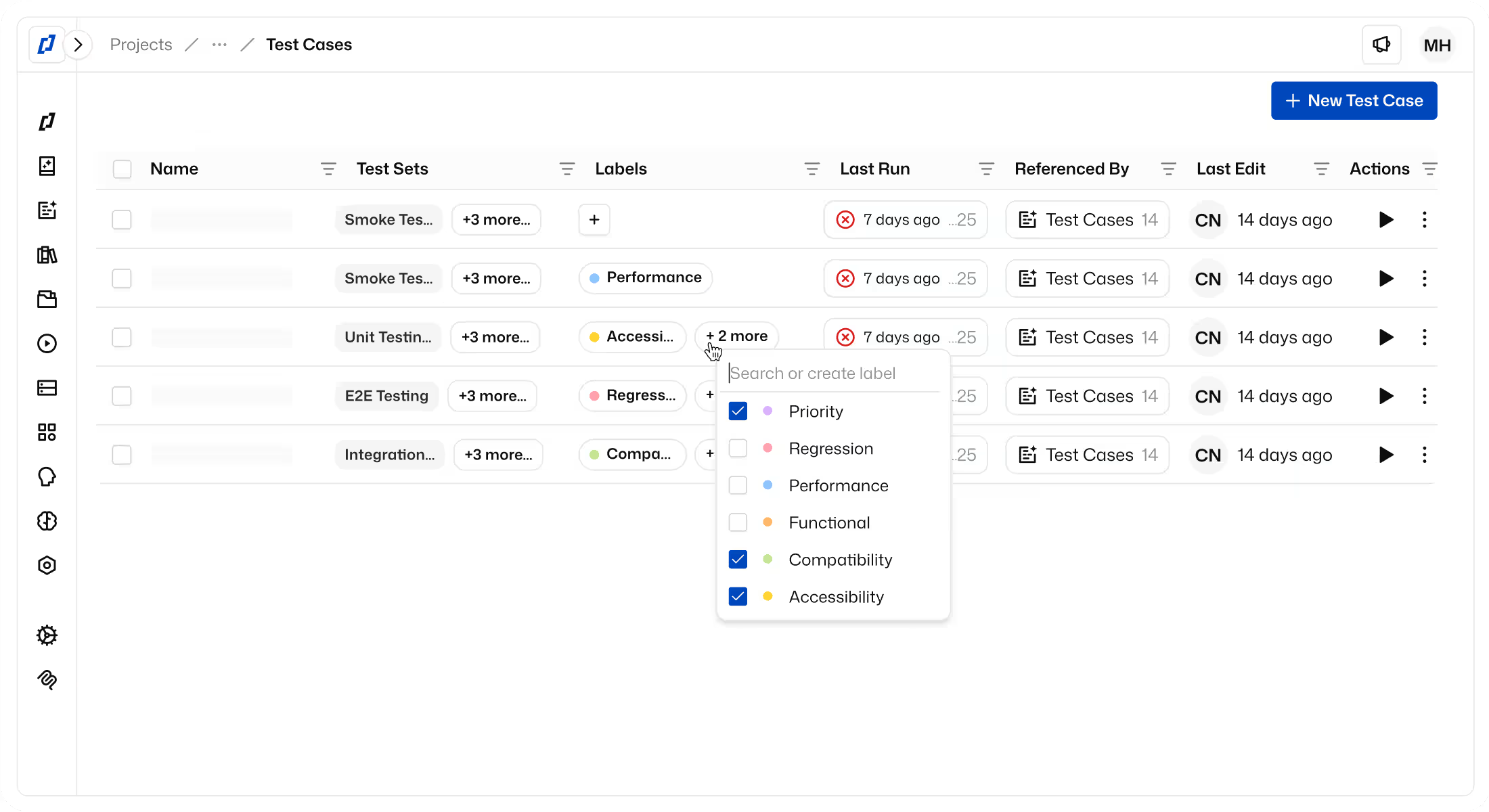
CI/CD Integration
Make quality a non-negotiable part of every release. Thunders plugs into your CI/CD pipeline so tests run automatically on every commit - with Distributed Test Orchestration cutting feedback loops to minutes and quality gates blocking regressions before they ever reach users.












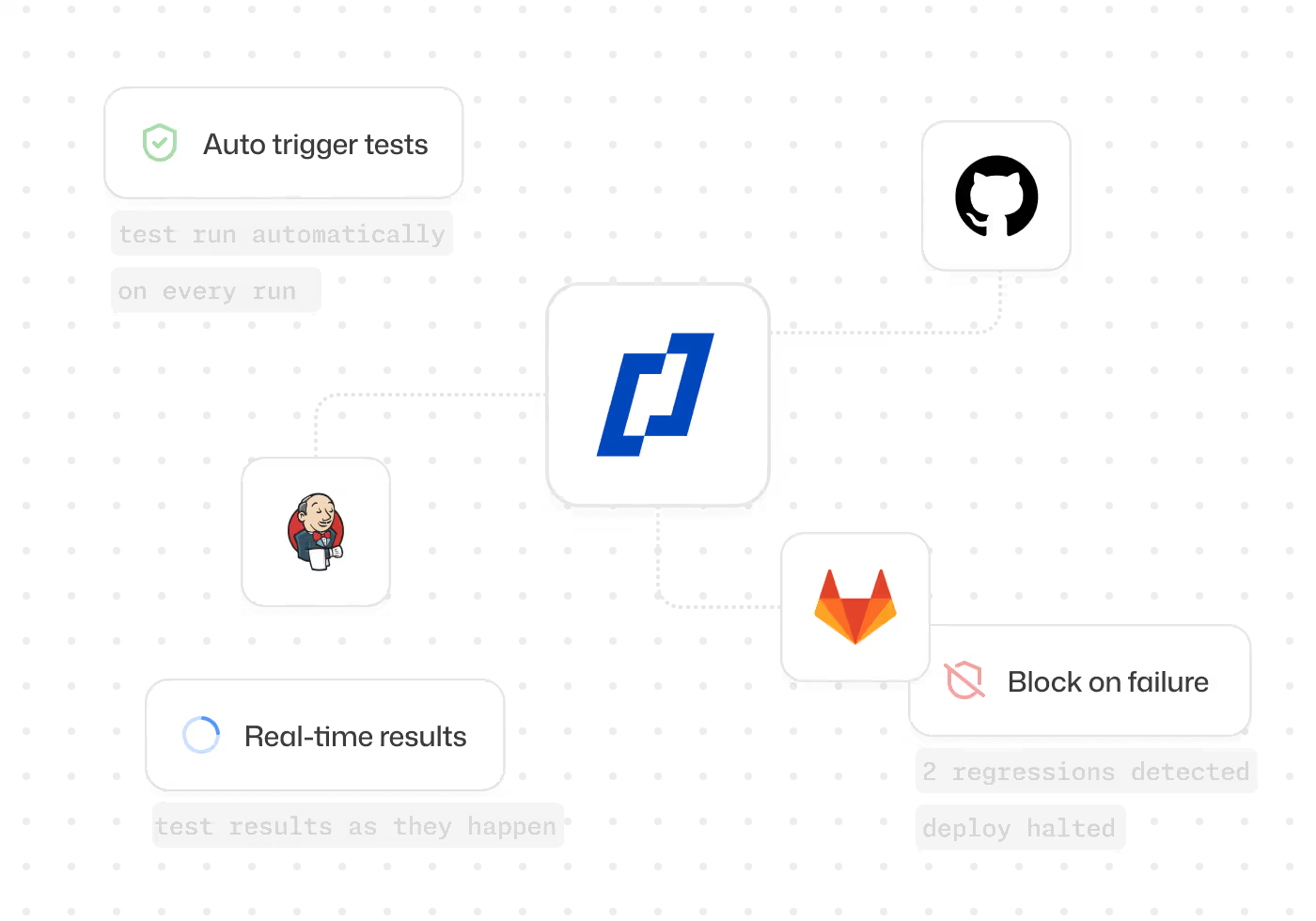
Why choose Thunders for CI/CD Integration

Native plugins for GitHub Actions, Jenkins, CircleCI, and Azure DevOps
Connect Thunders to GitHub Actions, GitLab CI, Jenkins, CircleCI, or Azure DevOps using simple API calls.

Quality gates that block failing builds automatically
Turn test results into release decisions. Your CI blocks deployments when critical tests fail.

Results delivered inside your CI dashboard
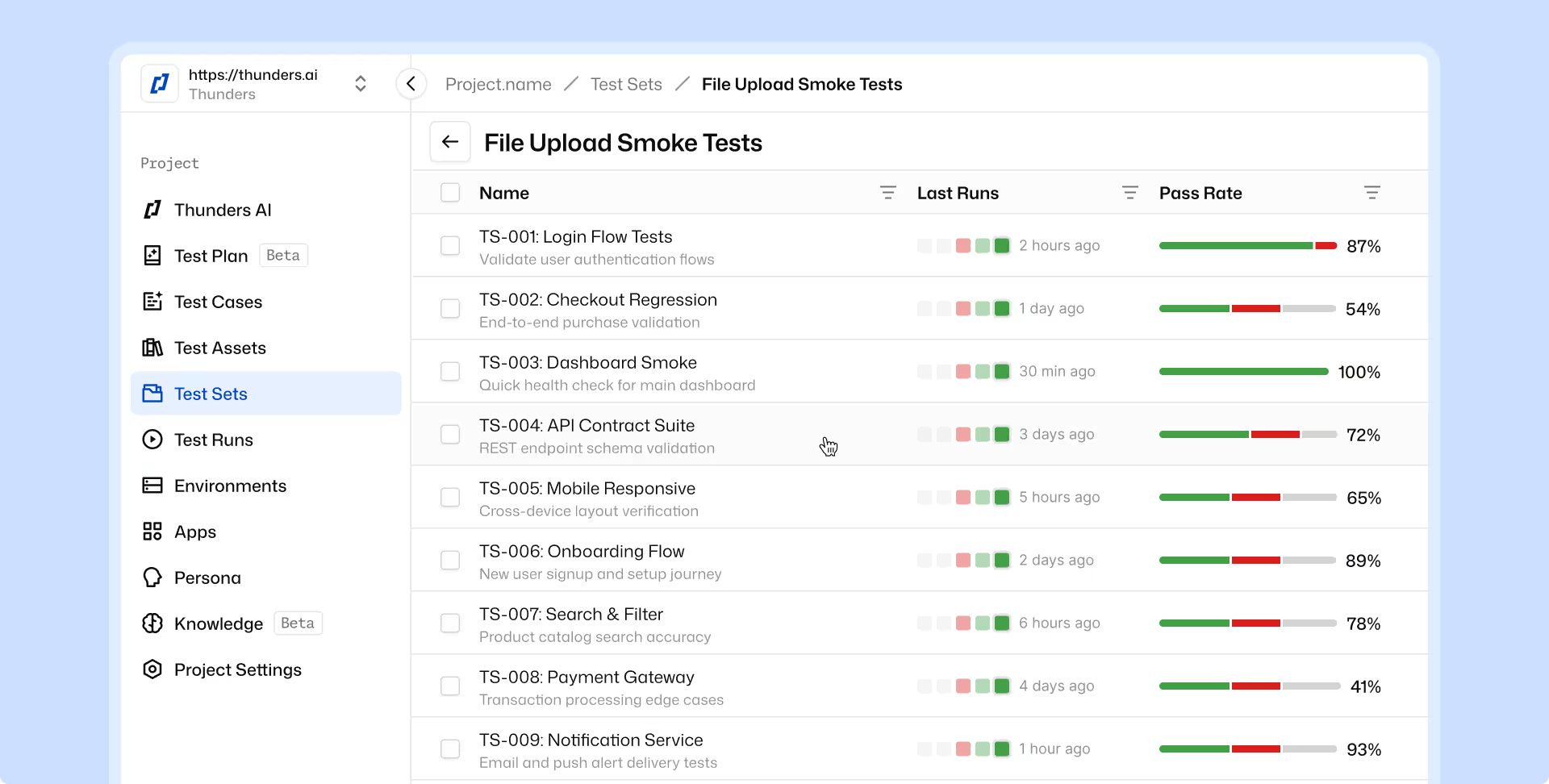
Test results are available directly in your pipeline, with pass/fail status and links to failure details.

Distributed Test Orchestration cuts wait times
Run tests across multiple workers simultaneously to reduce execution time from hours to minutes.

One test suite across all environments
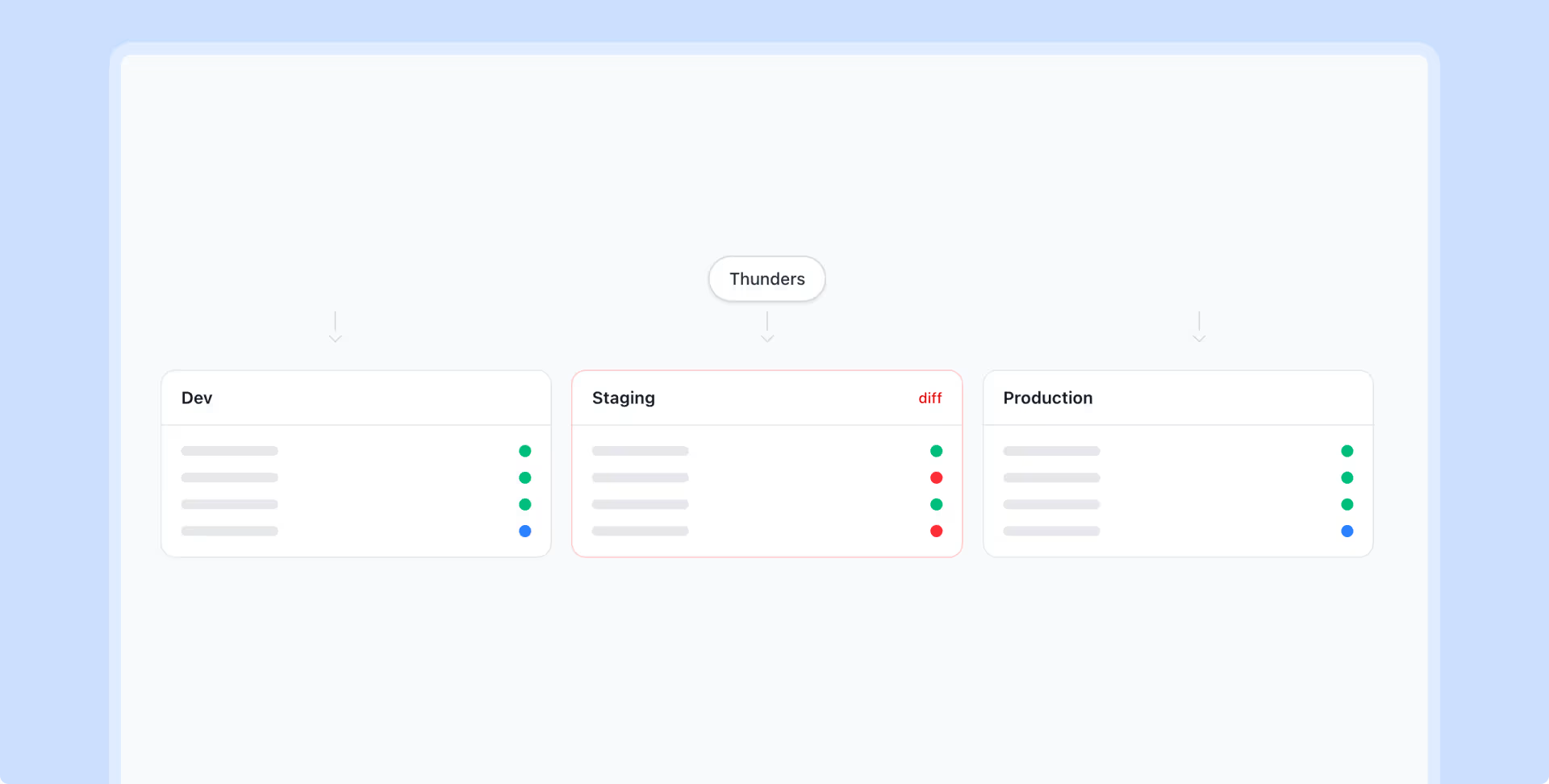
Execute the same test suite on staging, UAT, and production to detect environment-specific issues early.

Track test health and flakiness across builds
Use retries and historical runs to identify unstable tests and improve reliability.
CI/CD Integration Use Cases
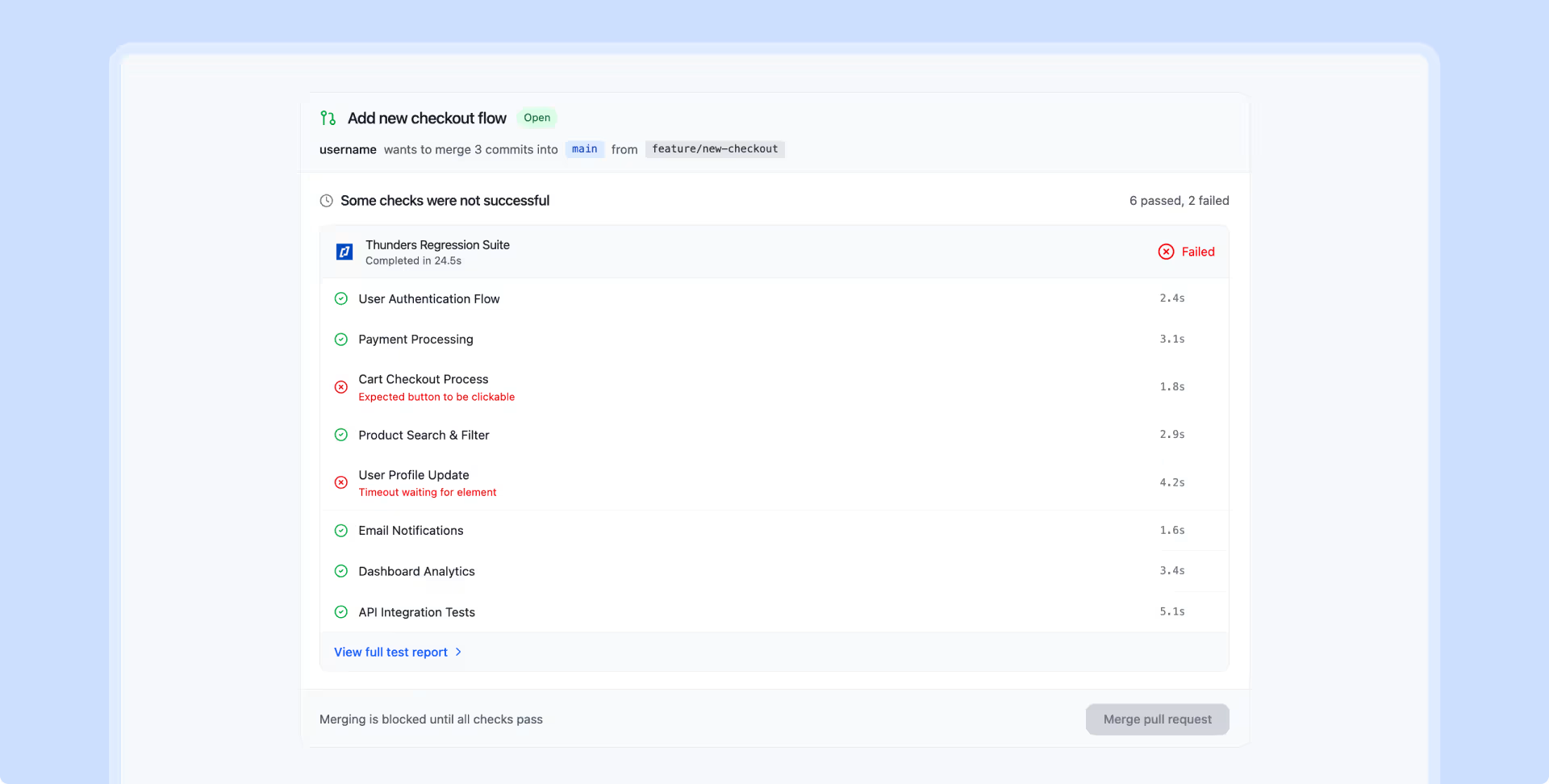
Catch breaking changes before merge. Thunders runs the full regression suite on every PR and posts results directly into the pull request review - pass/fail per test, with links to failure details.
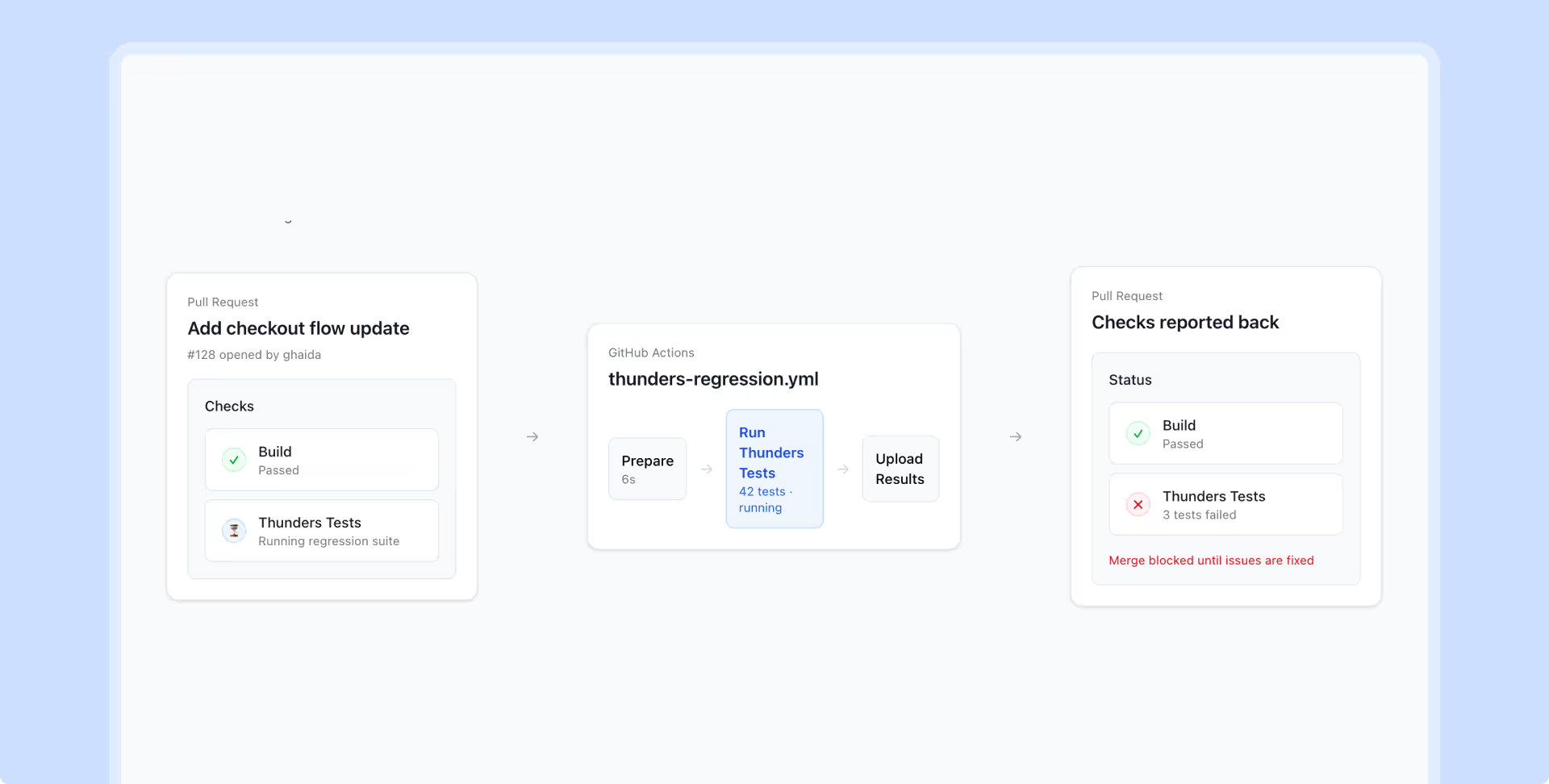
Set quality gates on your highest-value tests - checkout, login, core API responses. If a critical flow fails, Thunders exits with a non-zero code and the pipeline stops. No human needed to catch it.
Run the same test suite against dev, staging, and production with parallel execution. Compare results across environments to isolate environment-specific failures instantly.
Thunders helps you spot unstable tests across runs, understand failure patterns, and apply retries to reduce noise in your pipeline.
What won me over with Thunders was the testing approach, the maturity, and the innovation.
Jean-Olivier Penin
Co-founder
@
B/Acceptance

Discover Thunders' features
Frequently Asked Questions
What exactly is CI/CD and how does it work?
CI/CD (Continuous Integration / Continuous Delivery or Deployment) is an approach to software development that automates code integration, testing, and deployment. Continuous Integration (CI) consists of regularly merging changes into a shared branch, triggering automated builds and tests. Continuous Delivery/Deployment (CD) then automates the availability of the software in testing, staging, or production environments. CI/CD relies on pipelines that orchestrate each step in a reliable and reproducible manner.
What are the concrete benefits of CI/CD for my development team?
CI/CD accelerates the release cadence, reduces regression risks through automated testing, and improves collaboration among developers. It shortens the time between an idea and its release to production, fostering responsiveness to the market. Defects are detected earlier, making them less costly to fix. Finally, automation frees teams from repetitive tasks, allowing them to focus on delivering business value.
What is the difference between continuous delivery and continuous deployment?
Continuous Delivery automatically prepares every software version so that it can be deployed at any time, but the actual release to production remains a manual decision. Continuous Deployment goes a step further: every change validated by the tests is automatically deployed to production without human intervention. The choice between the two depends on the team's maturity level, regulatory constraints, and the criticality of the application. Continuous Deployment requires particularly robust test coverage and monitoring.
What fundamental principles must be followed to implement CI/CD?
Key principles include: a single version-controlled code repository, automated builds, systematic test execution with every commit, a test environment representative of production, and shared visibility of results. It is also important to favor small, frequent changes over large, spaced-out releases. Team culture is essential: shared responsibility, quick fixes for broken builds, and continuous improvement. Without these foundations, CI/CD remains a technical tool without real impact.
How does CI/CD integrate into a DevOps approach?
CI/CD is one of the technical pillars of DevOps, which aims to bring development and operations closer together to streamline software delivery. It automates the entire chain, from code to production, in alignment with DevOps principles: collaboration, automation, measurement, and continuous improvement. CI/CD coordinates with other DevOps practices such as infrastructure as code, continuous monitoring, and incident management. Together, they allow teams to deliver faster, more frequently, and with greater reliability.
What tools and technologies should be used to set up a CI/CD pipeline?
Popular tools include Jenkins, GitLab CI/CD, GitHub Actions, Azure DevOps, CircleCI, and Bitbucket Pipelines for orchestration. For testing, frameworks like JUnit, Cypress, Playwright, or platforms like Thunders.ai are integrated for intelligent generation and execution. On the deployment side, Docker, Kubernetes, Terraform, and Ansible facilitate infrastructure automation. The choice depends on the existing stack, the cloud provider used, and the team's skills.
How do you ensure security in a CI/CD pipeline?
Security in CI/CD (DevSecOps) consists of integrating automated security checks at every stage: static application security testing (SAST), software composition analysis (SCA), dynamic application security testing (DAST), and container image scanning. The pipeline itself must also be secured through strict secrets management, limited access permissions, and action auditing. Detected vulnerabilities must block the pipeline's progress based on their criticality level. This shift-left approach significantly reduces risks in production.
What types of automated tests are necessary in a CI/CD pipeline?
A mature CI/CD pipeline combines multiple testing levels: unit tests (fast, executed at every commit), integration tests (validating interactions between components), API tests, end-to-end tests (critical user journeys), performance tests, and security tests. Accessibility and cross-browser compatibility tests are also included for web applications. The execution order follows the testing pyramid: from fastest to slowest. Platforms like Thunders.ai make it possible to orchestrate all these levels within a unified, AI-driven pipeline.
Ready to ship faster with smarter testing?