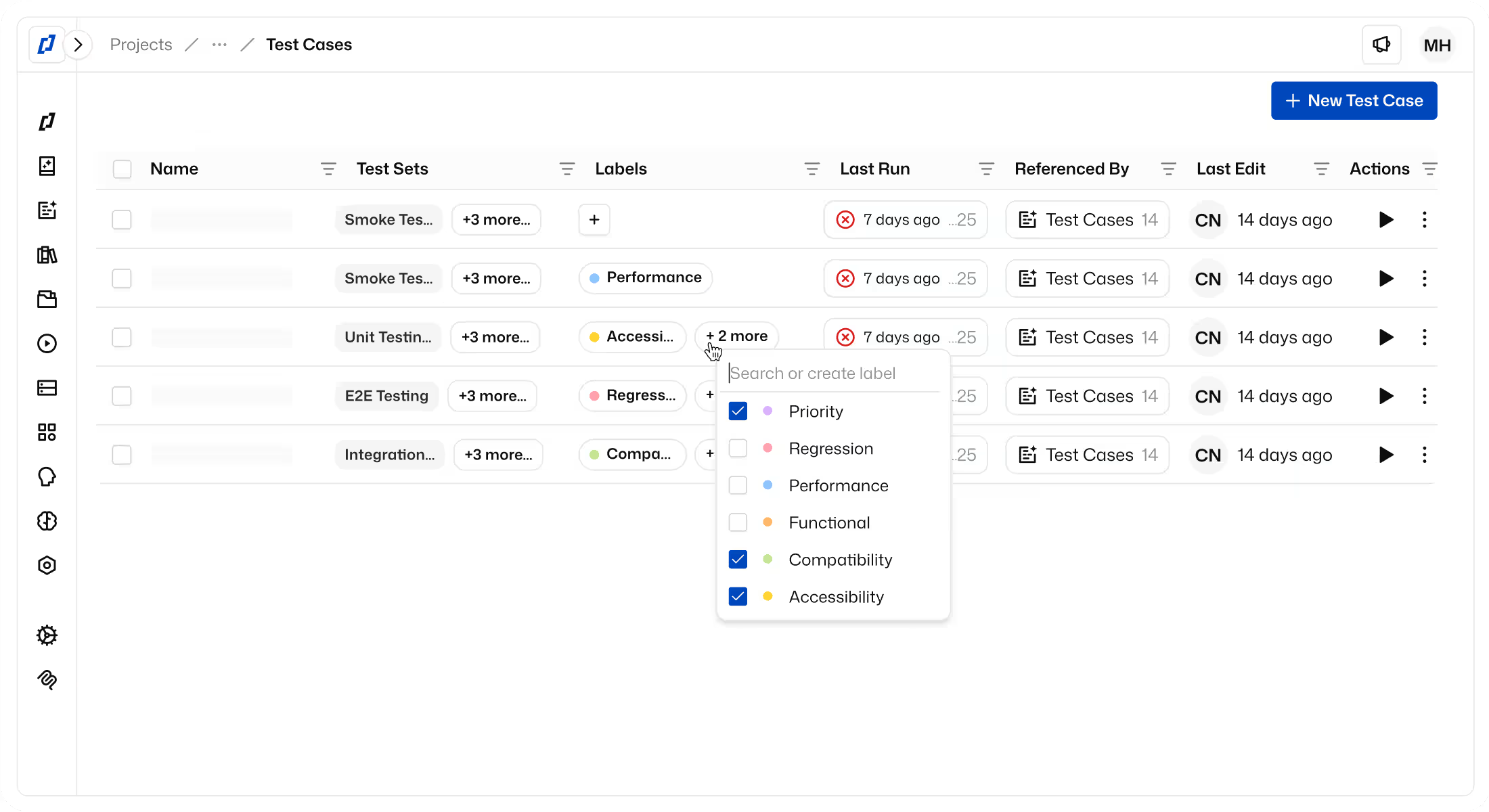
Thunders MCP: AI-Native Testing for Engineering Teams
Thunders MCP connects the AI tools your team already uses — Claude, ChatGPT, Cursor, Devin, Windsurf — directly to your testing environment. Author test cases, trigger runs, and diagnose failures without leaving your workflow. Turn natural language into fully automated tests: no scripts, no setup, no context switching. Ask your AI. Thunders handles the rest.


How to Install Thunders MCP
Get connected in seconds
Thunders MCP works with any MCP-compatible AI client, including tools like Claude, ChatGPT, Cursor, Devin, and Windsurf.
3 Simple Steps:
Add the Server
- Open MCP settings in your AI client
- Add Server URL: https://api.thunders.ai/v1/mcpAuthorize Securely
- OAuth login via ThundersTest Your Connection
- Ask Thunders to prove it’s connected
- If results appear, you’re ready ✅
Use cases / what you can ask
Common tasks you can run through Thunders MCP
Examples of what your AI can do via Thunders MCP:
Convert legacy tests
Migrate Playwright, Selenium, or Cypress test suites into executable Thunders test cases, without manual rewriting.
Author tests from context
Build test cases from flows, requirements, or Figma designs and organize them into test sets.
Run tests with personas
Execute tests using different personas, such as QA Engineer or Accessibility Tester, depending on what you want to validate.
Run tests with control
Trigger test runs on specific environments and review results in Thunders.
Understand results and trends
Review failures, coverage gaps, and recurring issues across recent test runs.
MCP vs. Traditional QA
Traditional QA
Thunders MCP
Where testing
happens
Inside a dedicated testing tool
Directly from AI tools where work happens
Who operates
tests
Humans (QA, engineers)
AI assistants operating the testing system
Test
creation
Manually written or scripted
Authored from intent, context, or legacy tests
Legacy test
migration
Manual rewrite or partial reuse
Automatic conversion from Selenium, Playwright, or Cypress
Execution
control
Triggered from UI or CI only
Triggered from AI tools with full environment context
Personas
& intent
Implicit, human-driven
Explicit personas (QA Engineer, Accessibility Tester, etc.)
Failure
analysis
Manual inspection of logs and reports
Explained in natural language with steps, and logs
Context
switching
Frequent (PM → QA tool → CI → tracker)
None. Author, run, and analyze in one place
More about Thunders MCP
Frequently Asked Questions
What is Thunders MCP?
Thunders MCP (Model Context Protocol) securely connects AI assistants to your Thunders workspace so they can generate, manage, and execute tests for you.
Which AI agents are compatible with Thunders MCP?
Claude Desktop, ChatGPT Desktop, Cursor, Devin, and Windsurf. More integrations will be added as MCP adoption grows.
Do I need to code when using Thunders MCP?
No. Everything works through natural language prompts.
Is Thunders MCP secure?
Yes. OAuth authentication, encrypted tokens, automatic refresh, and revocable access.
What permissions does the AI get when connected to Thunders MCP?
Only what’s necessary: read projects, tests, environments, and personas; create, modify, and execute tests.
Can I use dev or staging environments with Thunders MCP?
Yes, MCP works with any dev or staging endpoints for testing or experimentation.
How do I disconnect?
Revoke access anytime from your AI client or Thunders account settings.

Thunders enabled us to put quality and test creation in the hands of the entire product team.
Our PM teams covered 80% of our test scope in just six weeks with Thunders.
Florian Ernoult
VP Engineering @agorapulse












Ready to ship faster with smarter testing?