You can reason about a test with Claude. Running it the same way on every deploy is a different job. Here is where each tool fits.
A generalist AI and a testing system are different things. The gap between them is where most "we'll just build it ourselves" projects stall.
- Drafting a test from a user story
- Explaining what a flaky test is probably doing
- Reviewing a failure log
- Suggesting edge cases you forgot
→ If that is what you need, Claude is the right tool.
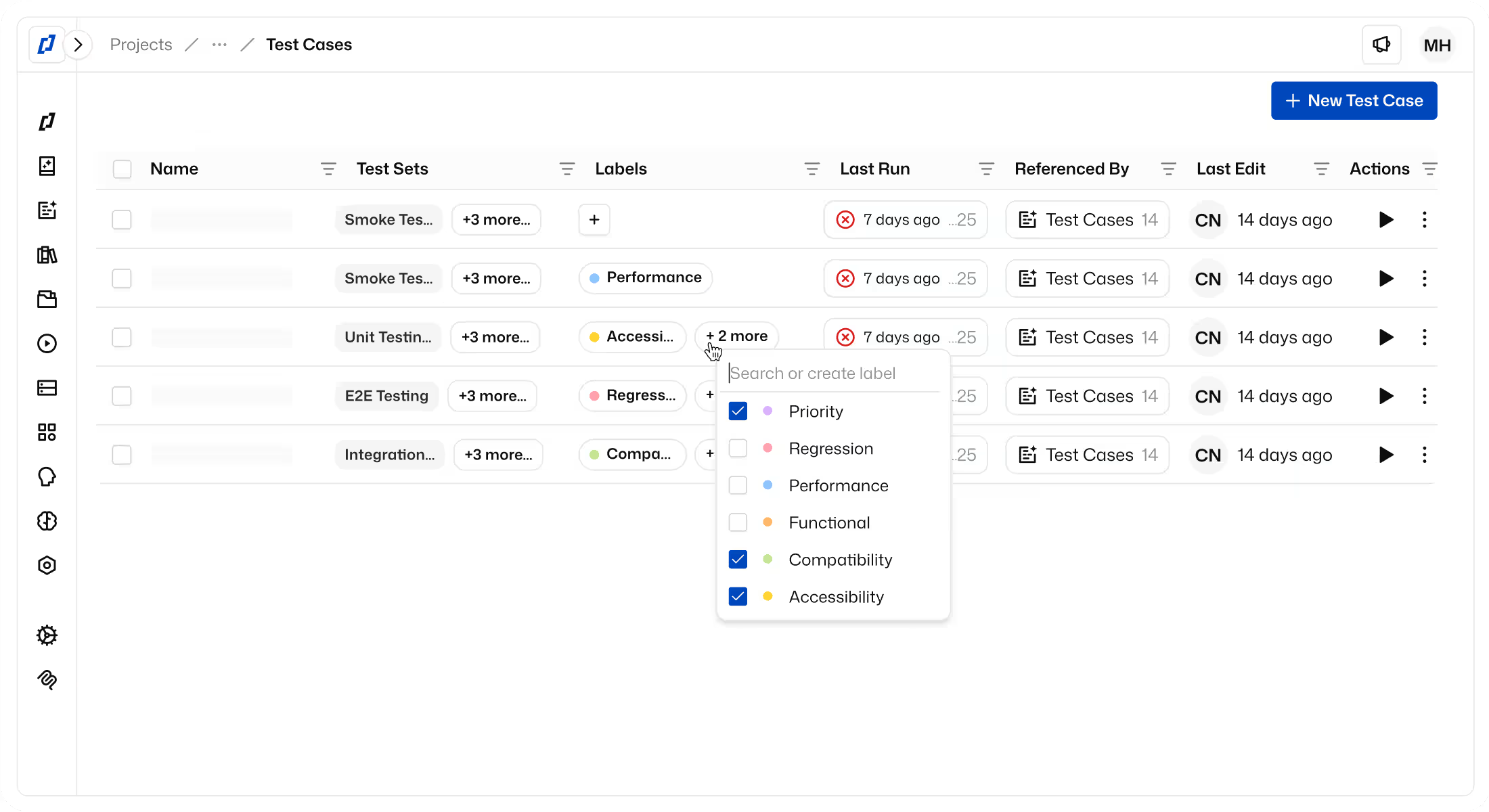
- Running it identically on every deploy
- Proving exactly what was checked
- Catching regressions across browsers and devices
- Sharing results with the whole team
→ That is where Thunders lives.
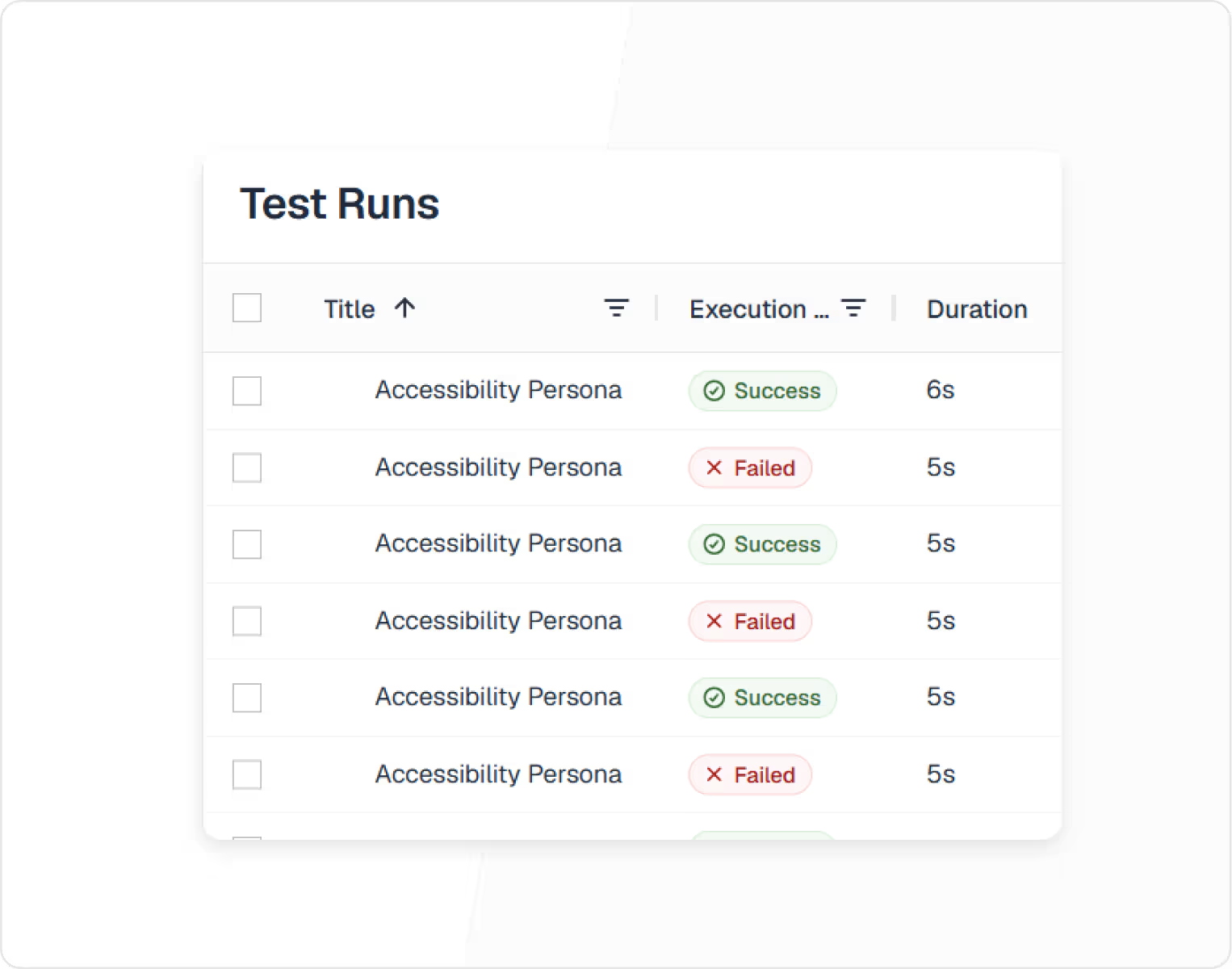
A test's job is to confirm that a flow still works after a change. That confirmation only holds if the steps are identical from one run to the next. Claude reasons from scratch on every call, so the same prompt can produce a different sequence of steps even when nothing in your product has broken.
Thunders builds the test once in natural language and reruns the same steps each time. When it passes, you know what was checked. When it fails, you can compare the failure against the last hundred runs.
Scheduling a prompt makes the trigger reliable. Thunders makes the execution repeatable: same steps, every run.
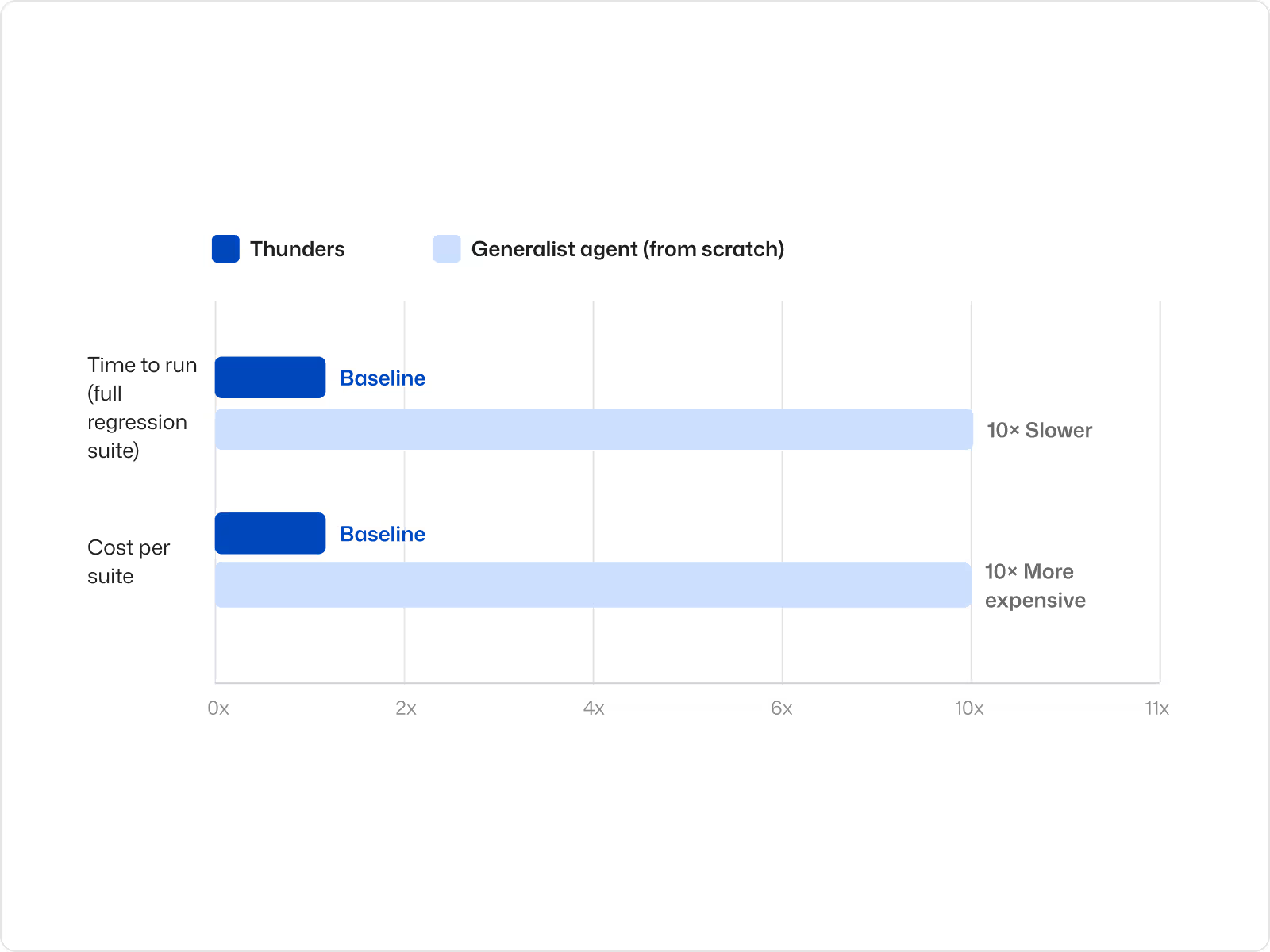
Claude's API pricing is per call. A full regression suite running that way on every deploy, across the whole product, adds up quickly. Each Thunders test is stored as a stable, reusable asset, the suite runs on infrastructure designed for repetition rather than for fresh reasoning.
10x faster than running the same suite through a generalist agent from scratch.
10x cheaper to run a full regression suite at scale
Claude returns a text summary of the run and, when a test fails, a written description of what it thinks went wrong.
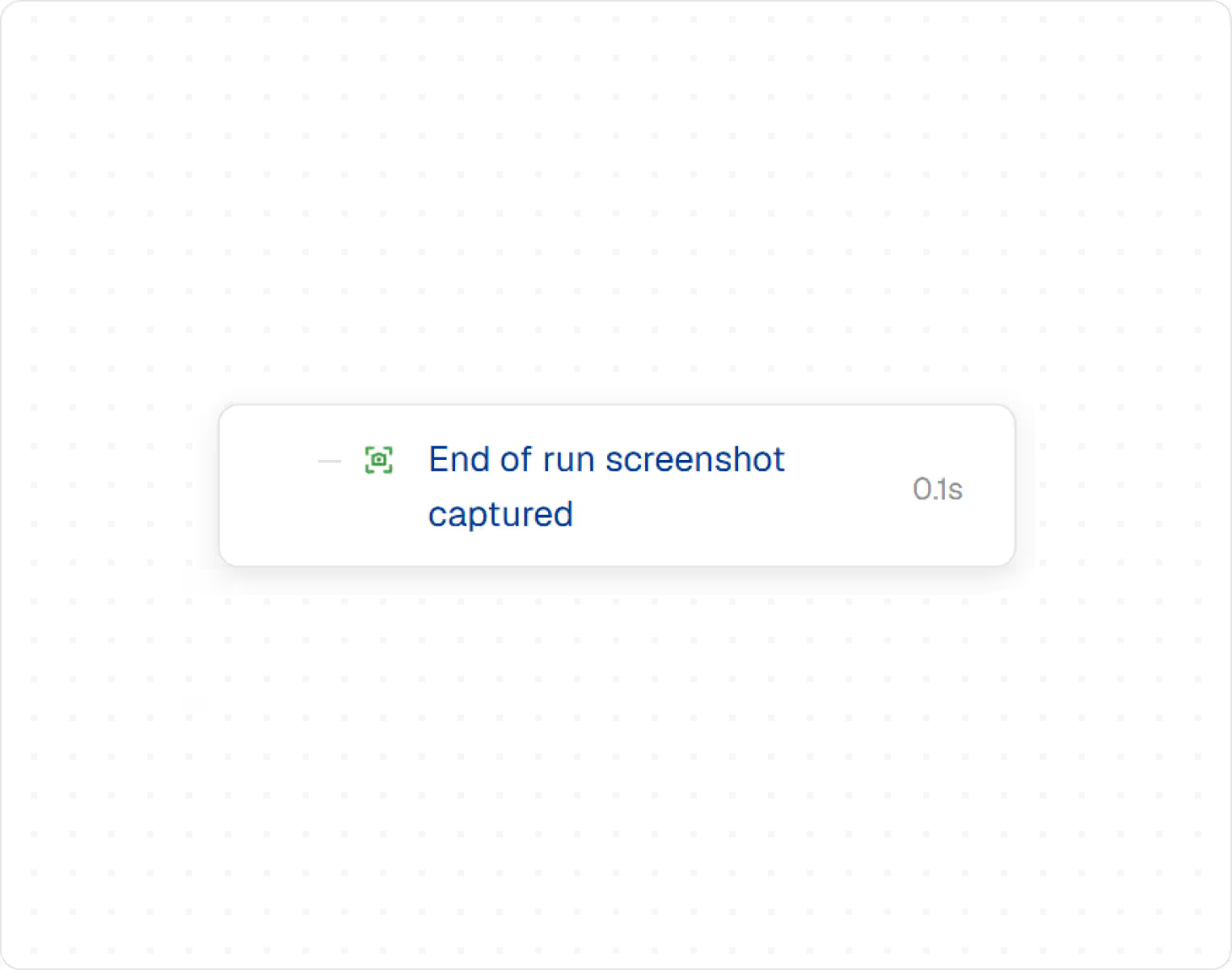
Thunders captures a screenshot at every step, before and after the action, and the Persona records what it expected, what it observed, and where the behaviour diverged.
From there, one click files the issue to Jira, Linear, or Azure DevOps, pre-filled with screenshots, the expected and actual results, and the full path that led to the failure.
Claude can drive a browser through a connected tool such as Playwright. It doesn't provide native mobile execution, a device grid, or parallel runs.
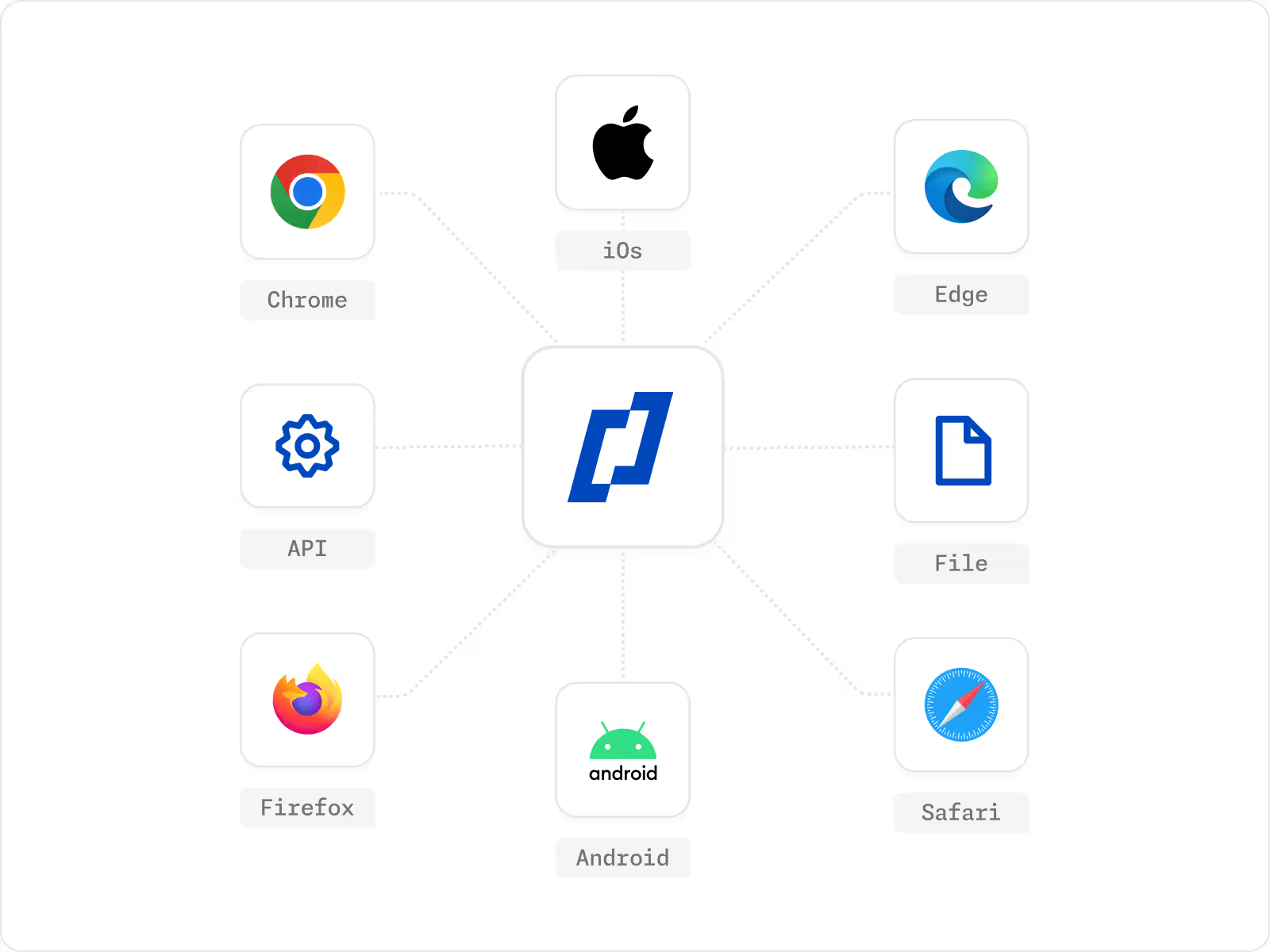
Thunders runs your tests in the environments your users are actually in: the major browsers, a range of screen sizes, native iOS and Android, and direct calls to your APIs.
For API tests, Claude can call an endpoint through its tools and check the response in the same session. Thunders can call an endpoint, validate the response, compare it against a stored reference, and run that check on a schedule. Everything runs across platforms and in parallel.
Claude runs in individual chat sessions, with no shared workspace, role-based access, or team dashboards.
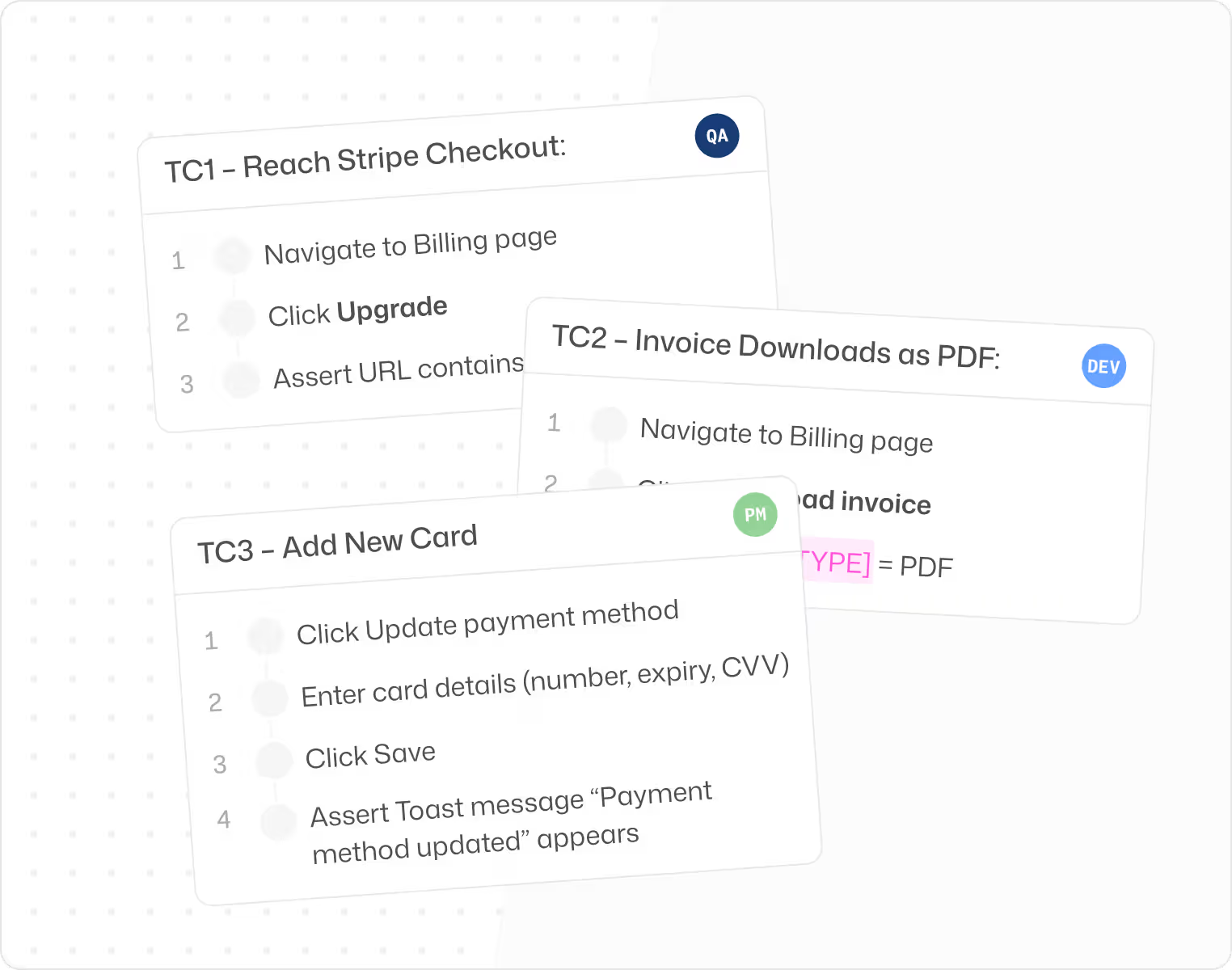
A test suite is a shared artifact. Several roles need to read it, write to it, and maintain it over time. Thunders is built as a shared workspace, with access shaped to each role.
PMs can write tests in natural language. Engineers can open the underlying code when they need to. QA can own coverage and execution. Leadership can read the dashboard.
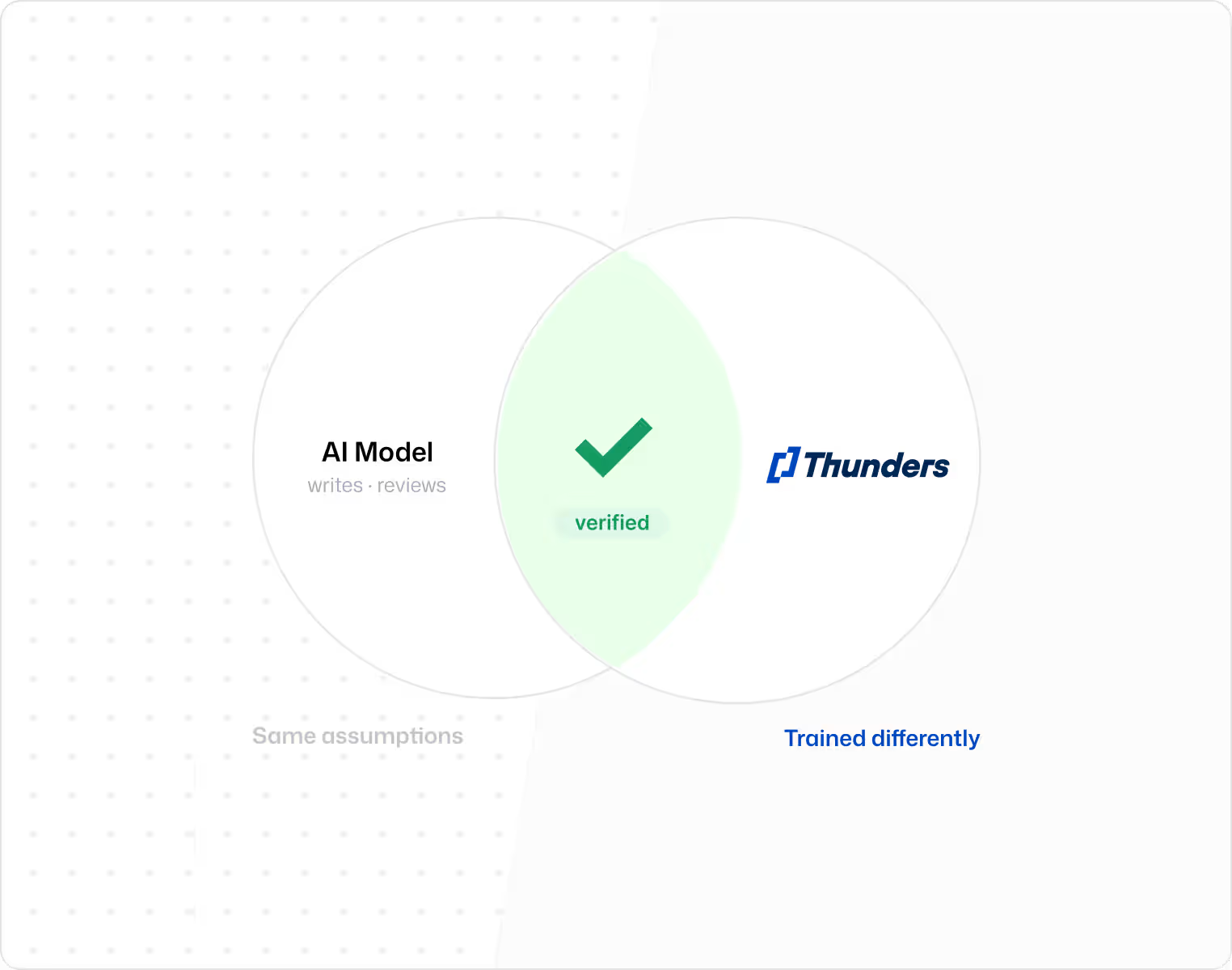
Most teams are already using Claude, and often Devin or Cursor as well. If the same model writes the code, reviews the code, and verifies the behavior, the same set of assumptions is doing all three jobs. Reasoning errors can pass through every stage unnoticed.
Thunders runs on a different system, trained differently. The verification step is independent of the model that produced the work, which is what makes a second opinion useful.
You do not have to choose between the two. Thunders connects to Claude through MCP, available inside Cursor, Claude Code, and the Claude app. When Claude calls Thunders, the request runs through Thunders' own testing layer, which already has context on your product and your existing tests.
Claude handles the reasoning. Thunders provides the execution, the storage, and the verification.
Wondering if Thunders is a better platform for you? See this video walkthrough to learn the ins and outs of Thunders’ application and how it can help your team.
This is our QA of the future.
From the very first tests, Thunders caught real bugs in our interface — bugs that had slipped through all our standard quality processes.
Before Thunders, all UI testing was done manually. With Thunders, everything is end-to-end automated. Thunders lets us generate tests very quickly and improve the overall quality of our product.
Wassim Jouini
CTO @LegalPlace


Thunders is a whole new testing culture, not just another tool.
Automating our tests was a real challenge that classical automation simply couldn't solve. With Thunders, we were able to automate a hundred tests, with no technical expertise required.
Thunders opens up test automation to non-technical roles. Thunders bridges the gap between code and people. With Selenium, it used to take much longer.
Hanen Khalfaoui
QA Manager @Infopro Digital


What won me over with Thunders was the testing approach, the maturity, and the innovation.
Thunders delivers far greater resilience compared to classical automation. Thunders introduced a new variable in how we respond to RFPs — and it changes our entire economic model.
Today, Thunders is giving us a glimpse of more resilient tests and better maintainability of test suites. We run proofs of concept with Thunders to validate technologies for our clients.
Jean-Olivier Penin
Co-founder @B/Acceptance

Thunders enabled us to put quality and test creation in the hands of the entire product team.
Our PM teams covered 80% of our test scope in just six weeks with Thunders. After just one month, the entire team was up and running.
Tests are executable immediately and the onboarding was genuinely straightforward. Now it's the PMs who write test plans in plain language directly in Thunders.
Florian Ernoult
VP Engineering @agorapulse