
Everything Thunders can do.






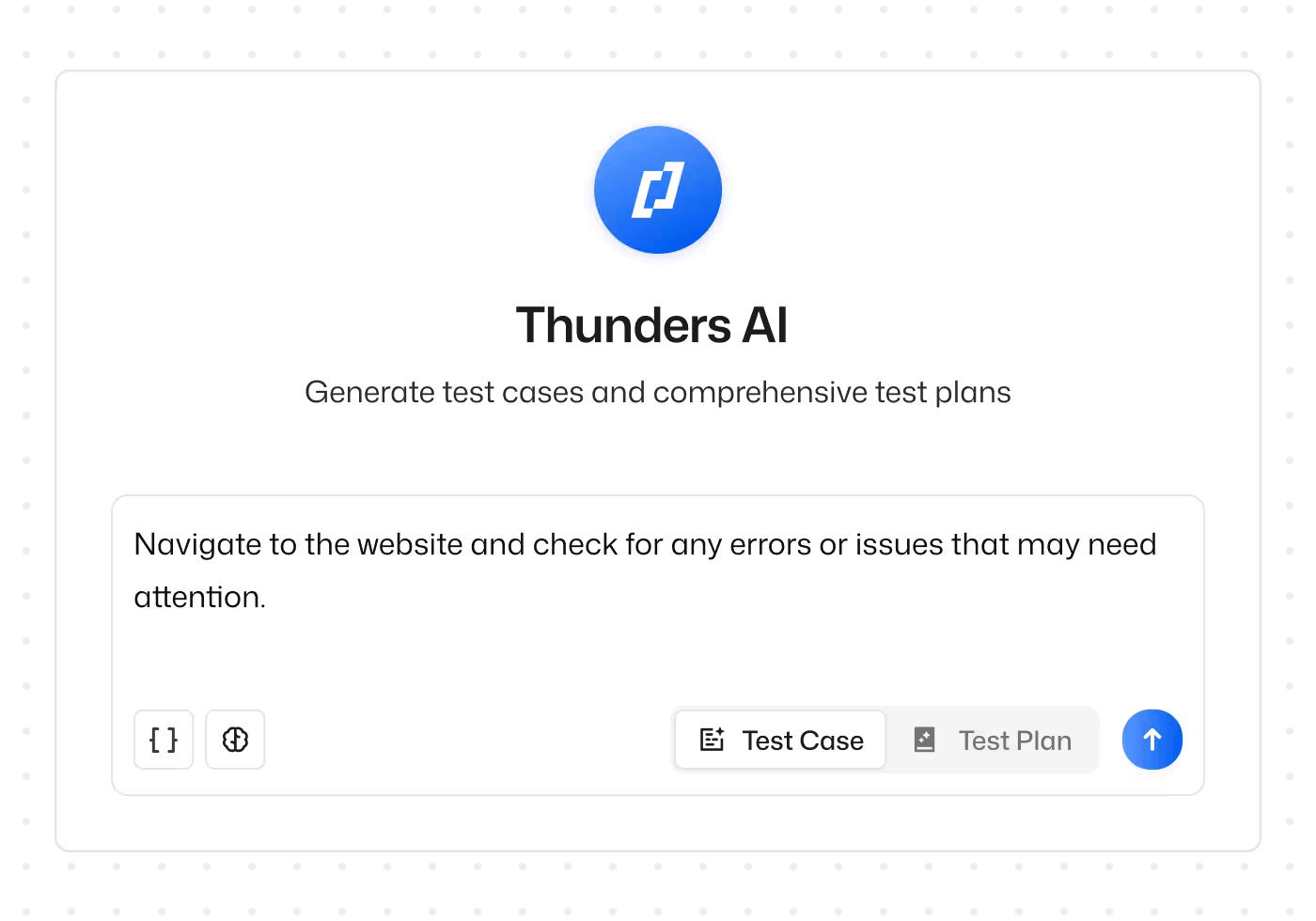
AI Test Generation
Describe what you want to test in natural language and Thunders turns it into an executable test complete with steps, assertions, and edge cases. Generate from Jira tickets, URLs, product docs, or any MCP-compatible AI assistant like Claude, ChatGPT, or Cursor. No scripts, no framework setup.
See how AI Test Generation works →Self-Healing Tests
When your UI changes, tests do not break. Thunders tries multiple resolution strategies at runtime to find the right element and repairs steps automatically across every browser. Your regression suite grows without the maintenance debt growing with it.
See how Self-Healing Tests work →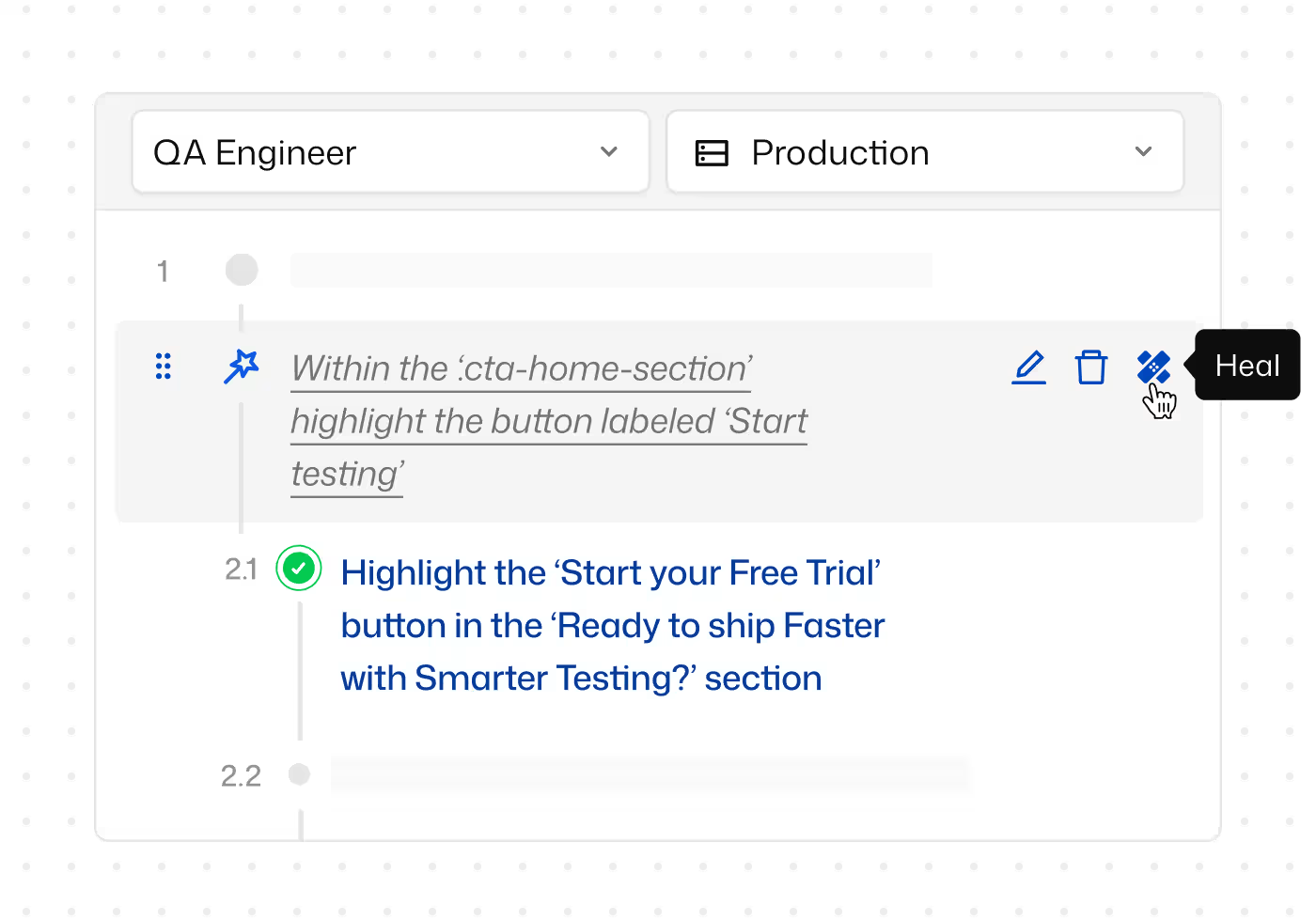
Failure Analysis & Debugging
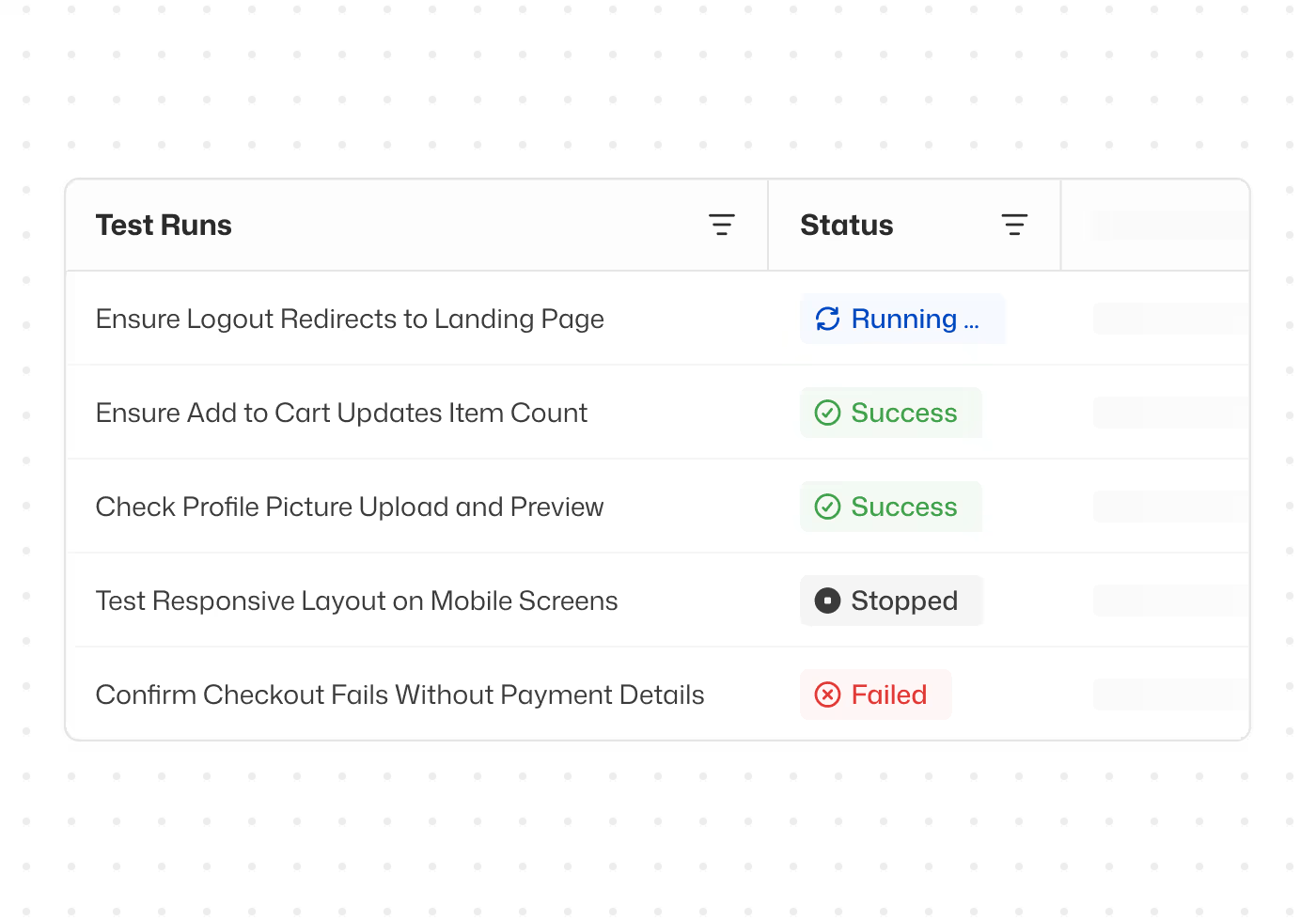
Every test run comes with a clear explanation of what happened and why. Turn failures into Jira, Linear, or Azure DevOps tickets in one click, pre-filled with screenshots and expected-vs-actual results. Ask questions of your live test data in natural language through Thunders MCP.
See how Failure Analysis & Debugging work →Test Management & Collaboration
Organise test cases with labels. Group them into Test Sets for releases, regressions, and smoke runs. Paste a PRD and get a structured test plan back. Thunders Copilot keeps the suite clean as it grows by spotting duplicates and suggesting cleaner taxonomies. The whole team works from one source of truth.
See how Test Management works →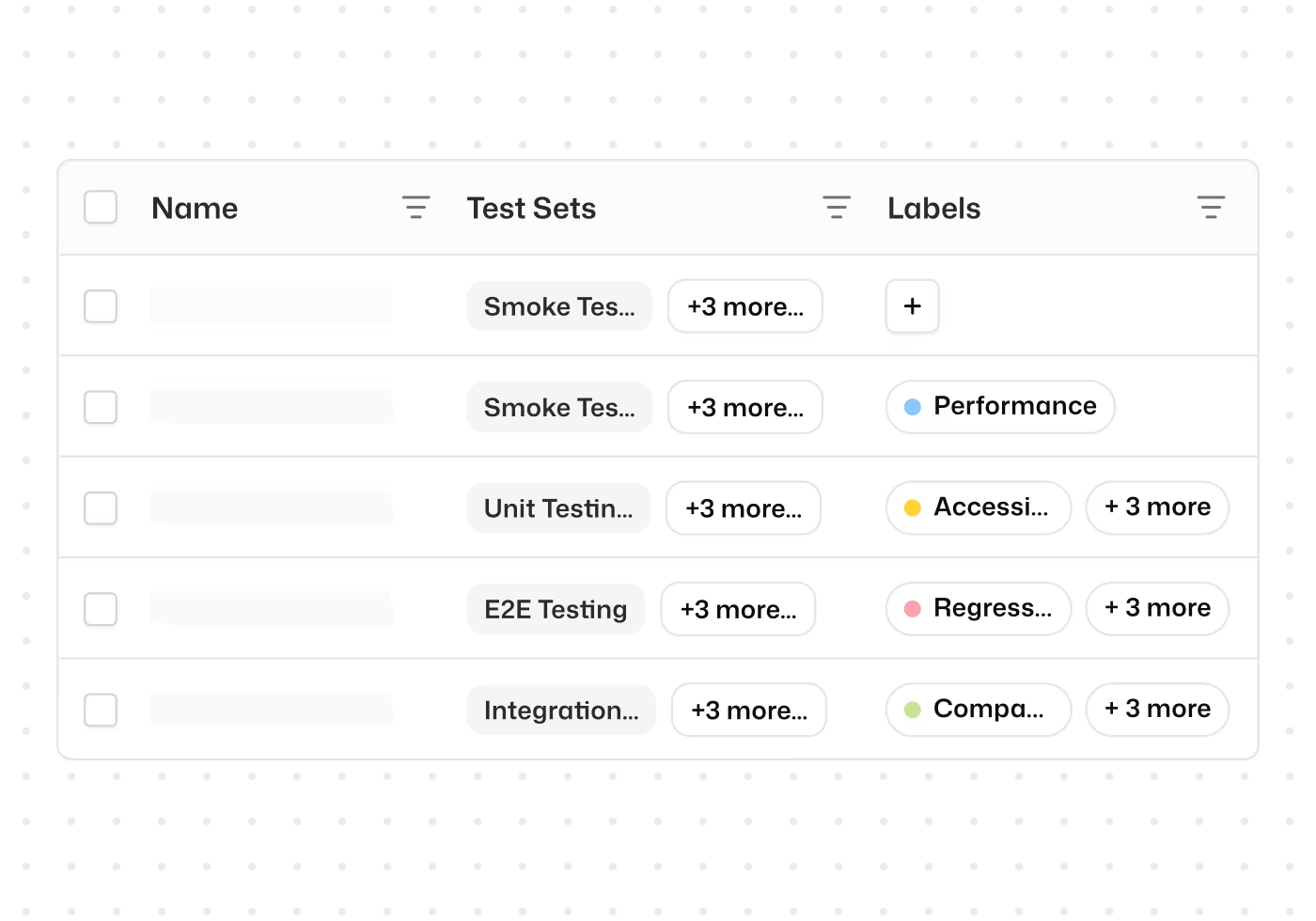
Accessibility Testing
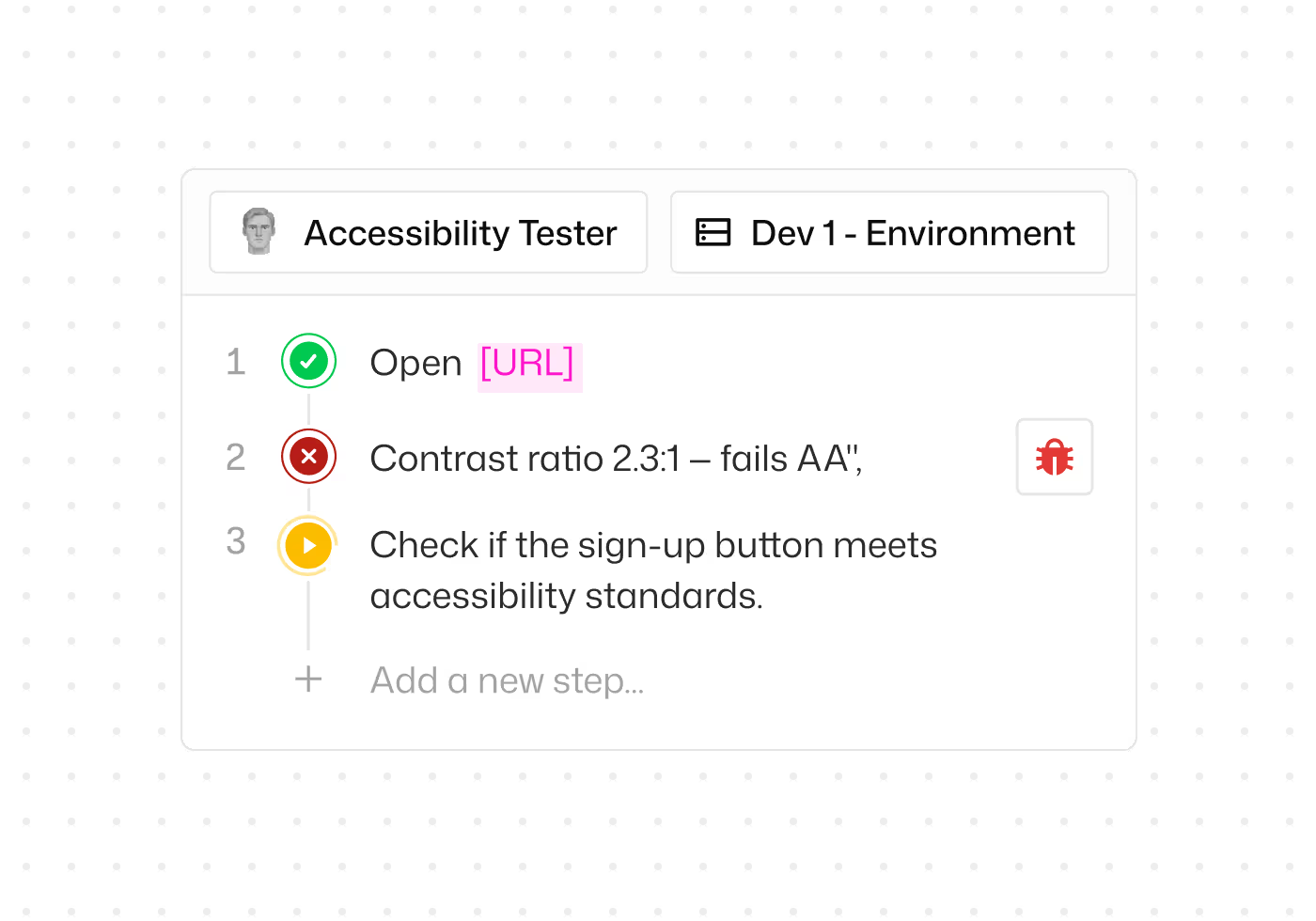
A dedicated Accessibility Agent that tests WCAG A, AA, and AAA compliance automatically. Catches keyboard traps, contrast failures, and ARIA conflicts as part of your regular runs. Export results mapped to WCAG success criteria for VPAT submissions and procurement reviews.
See how Accessibility Testing works →E2E Testing
Describe any user flow in natural language and Thunders generates a complete, self-healing E2E test. Multi-page forms, wizard flows, authenticated handoffs, and stateful scenarios all handled end to end. Runs across Chrome, Firefox, Safari, and Edge from a single suite.
See how E2E Testing works →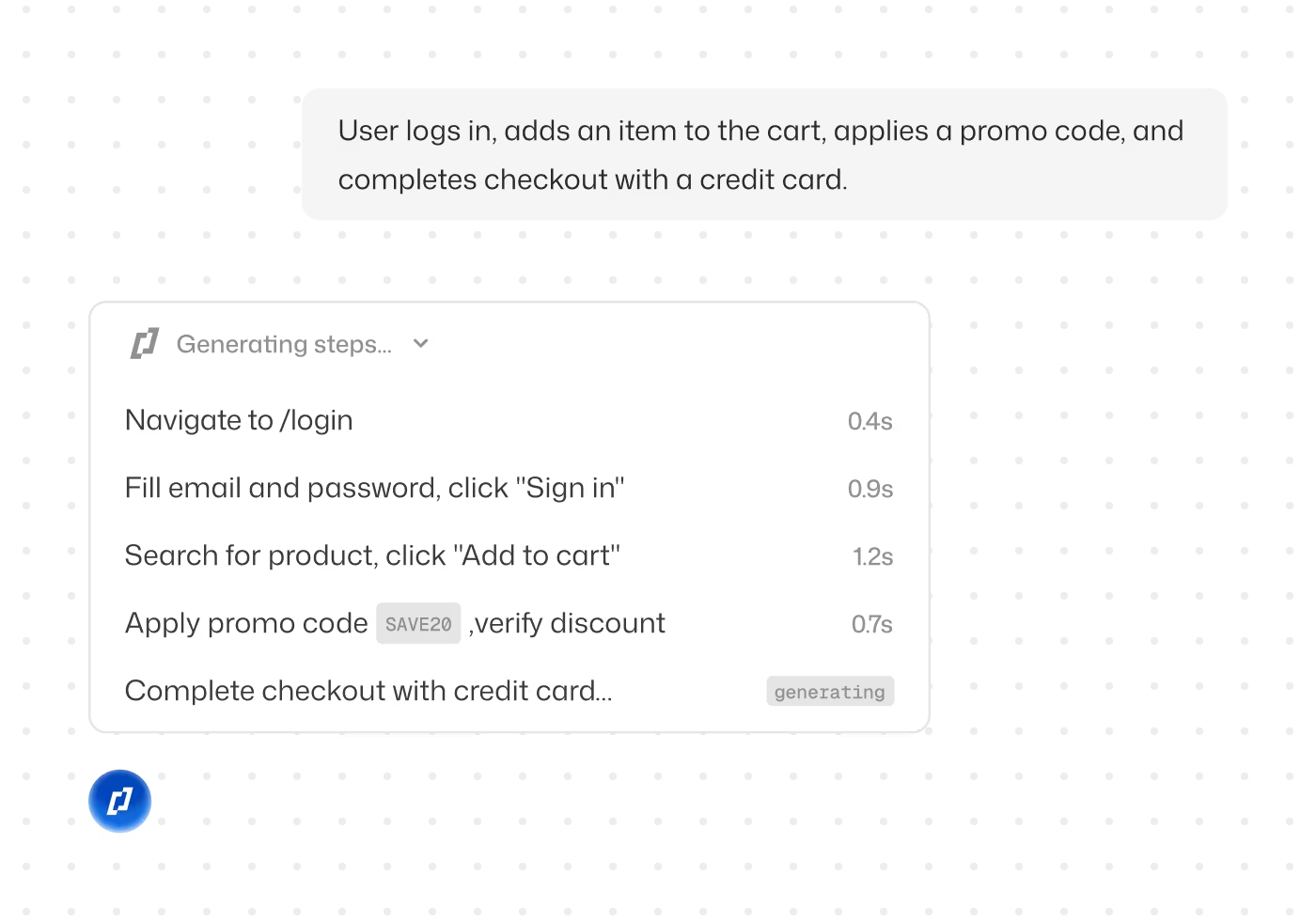
CI/CD
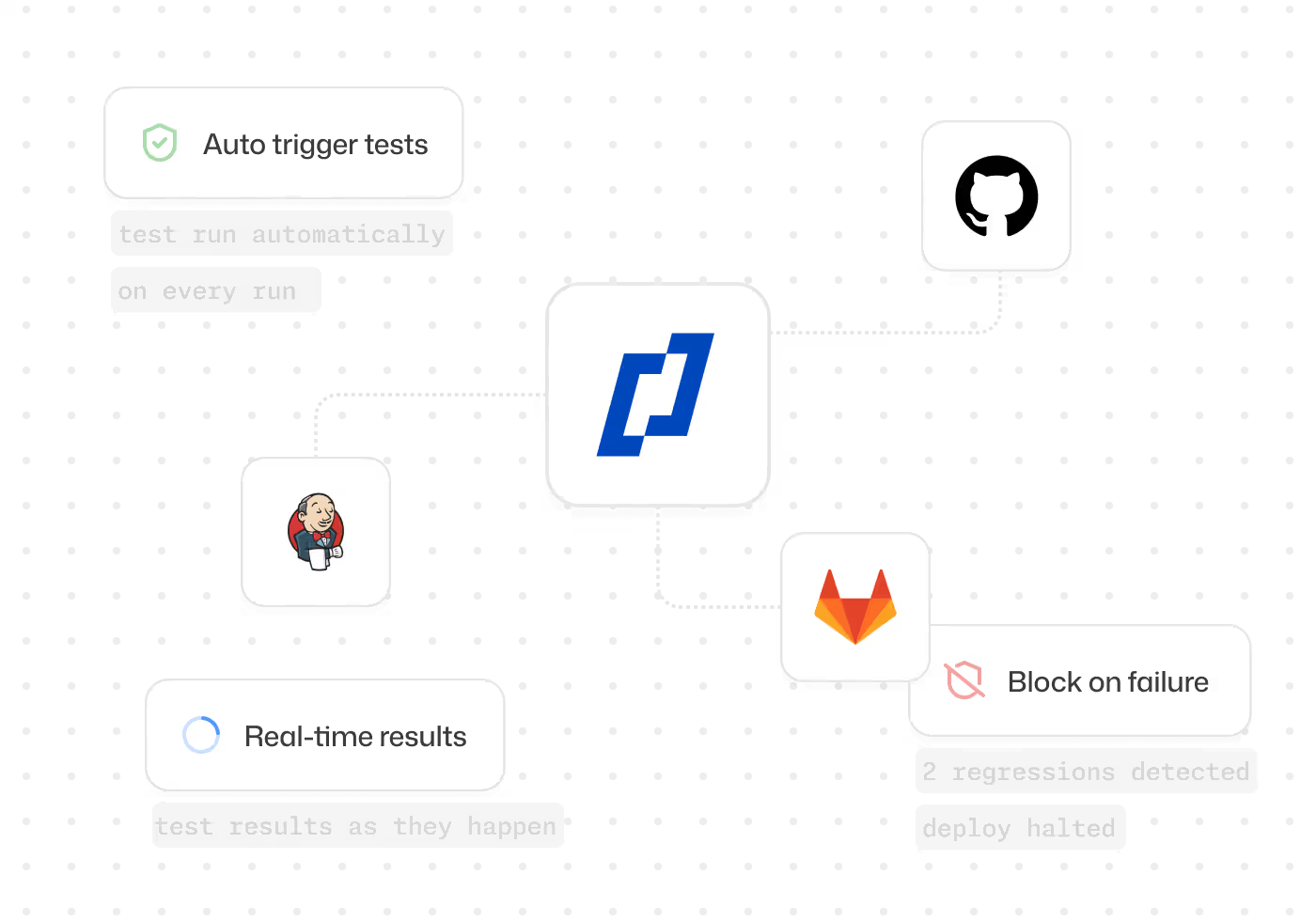
Plug Thunders into GitHub Actions, GitLab CI, Jenkins, CircleCI, or Azure DevOps. Run tests on every commit. Set quality gates that block deploys when critical flows fail. Distributed Test Orchestration parallelises execution so feedback lands in minutes.
See how CI/CD Integration works →Analytics & Dashboards
Track pass rates, failures, and run volume across every project, or drill down to a single failing step. Build the dashboards your team needs and set alerts on the metrics that matter. Ask questions in plain language and get the answer with the chart behind it. A daily view of credits consumed shows what testing costs as volume grows.
See how Analytics & Dashboards work →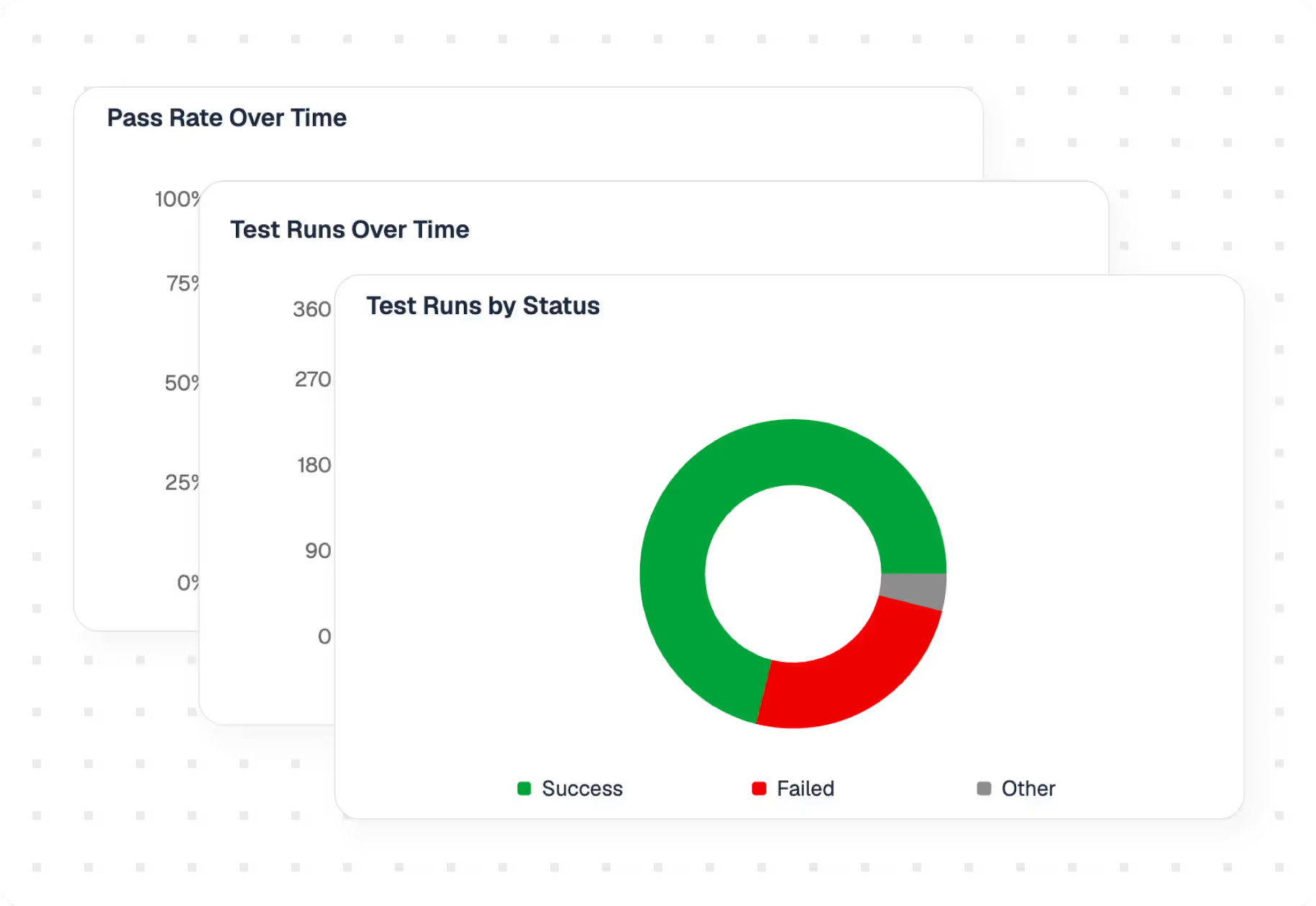
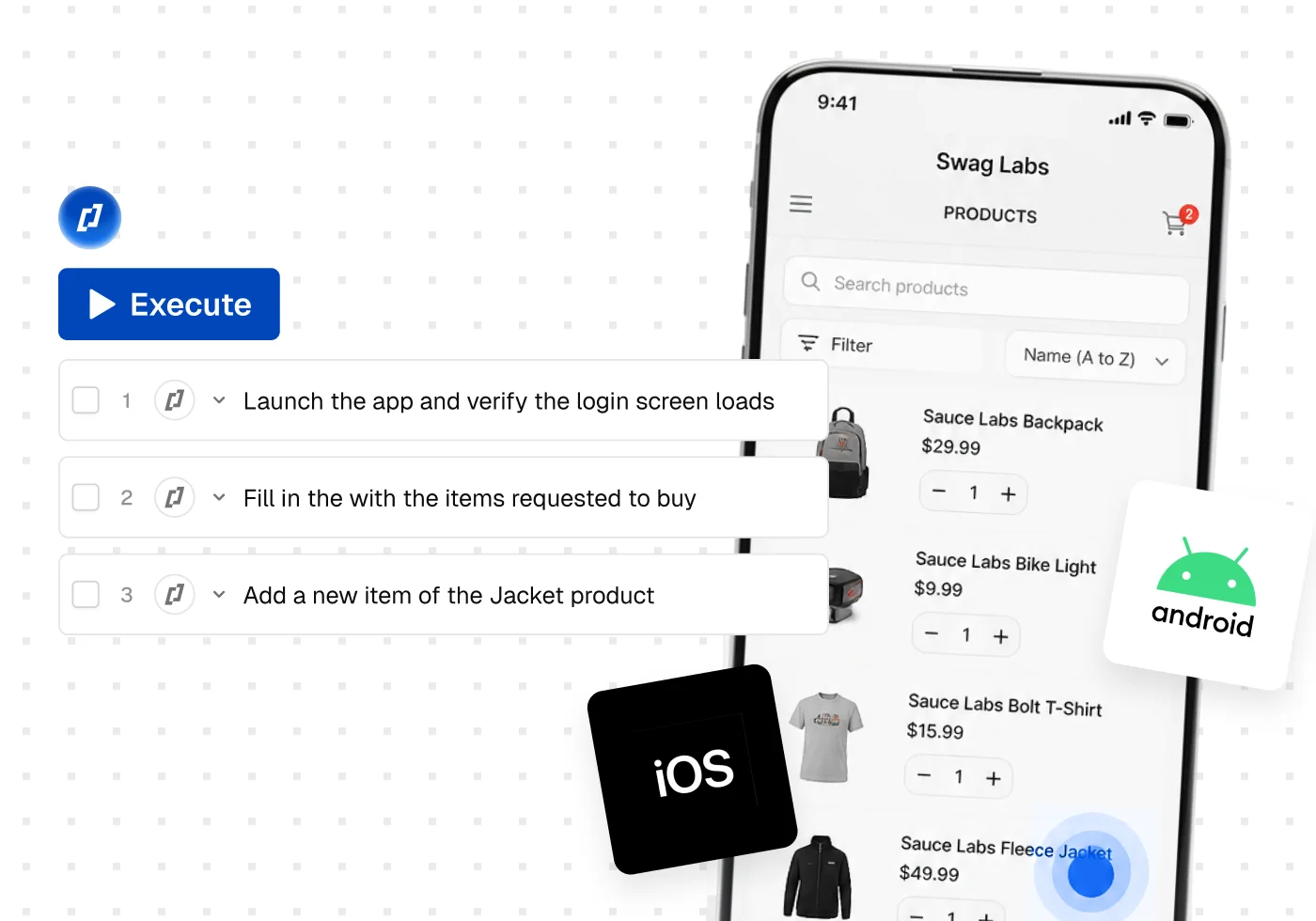
Mobile App Testing
Describe a flow, record it in the app, or generate it from a spec. Thunders runs it across iOS and Android, on real devices and emulators, and heals it when the app shifts.
See how mobile app testing works →
Thunders enabled us to put quality and test creation in the hands of the entire product team. Our PM teams covered 80% of our test scope in just six weeks.
Florian Ernoult
VP Engineering @agorapulse
Frequently Asked Questions
Do I need coding skills to use Thunders?
No. Tests are created and edited in natural language. QA engineers, product managers, and business teams can all author, run, and maintain tests without writing code.
What can I test with Thunders?
Web applications, mobile applications, APIs, and desktop applications. If it runs somewhere, Thunders can test it.
Which tools does Thunders connect to?
CI/CD (GitHub Actions, GitLab CI, Jenkins, CircleCI, Azure DevOps), issue trackers (Jira, Linear, Azure DevOps), test case management (Xray), and any MCP-compatible AI assistant like Claude, ChatGPT, or Cursor.
How does Thunders handle UI changes?
Tests are tied to intent, not selectors. When the UI changes, Thunders adapts at runtime through multiple resolution strategies. Your regression suite stays reliable across releases without manual patches.
Ready to ship faster with smarter testing?
