Automated Web App Testing, Without Writing Code
Every flow. Every browser. Zero maintenance.
Thunders generates, runs and maintains your web app tests from a natural-language description. Tests understand what you are testing, so they hold when your UI changes.
Trusted by













What is automated web application testing?
Automated web application testing means running your app's user journeys (sign-up, search, checkout) as repeatable tests instead of clicking through them by hand. Traditionally that requires writing scripts in a framework like Selenium, Cypress or Playwright. No-code test automation, also called codeless test automation, removes that step: you describe the journey in plain language and the platform builds the executable test, its assertions and its edge cases. Thunders then runs it across browsers and keeps it working as the app changes.

Your selectors change. Your test suite falls over.
- Selector-based scripts break every time the UI shifts
- Cross-browser coverage handled one configuration at a time
- Test writing gated behind a framework only engineers know
- Flaky tests that cost more time than they save

- Describe the flow in plain language, no framework required
- Intent-based tests that survive UI and DOM changes
- Self-healing at runtime when the page changes
- The same test runs across Chrome, Firefox, Safari and Edge
One platform. The full web testing lifecycle.
Most tools run the scripts you write. Thunders generates the tests, runs them across browsers, and keeps them working as your app changes.
Generate tests from a plain-language description
Describe a user journey, sign-up, search, checkout. Thunders builds a complete, runnable scenario with assertions and edge cases.
Run every test on Chrome, Firefox, Safari and Edge
Run the same test across every major browser, in parallel, inside your CI pipeline. No configuration per browser.
Self-healing tests that survive a UI change
When the UI changes, Thunders detects the difference and repairs the steps at runtime. Tests stay green without a manual fix.
See it on a real web flow: sign-up to first action
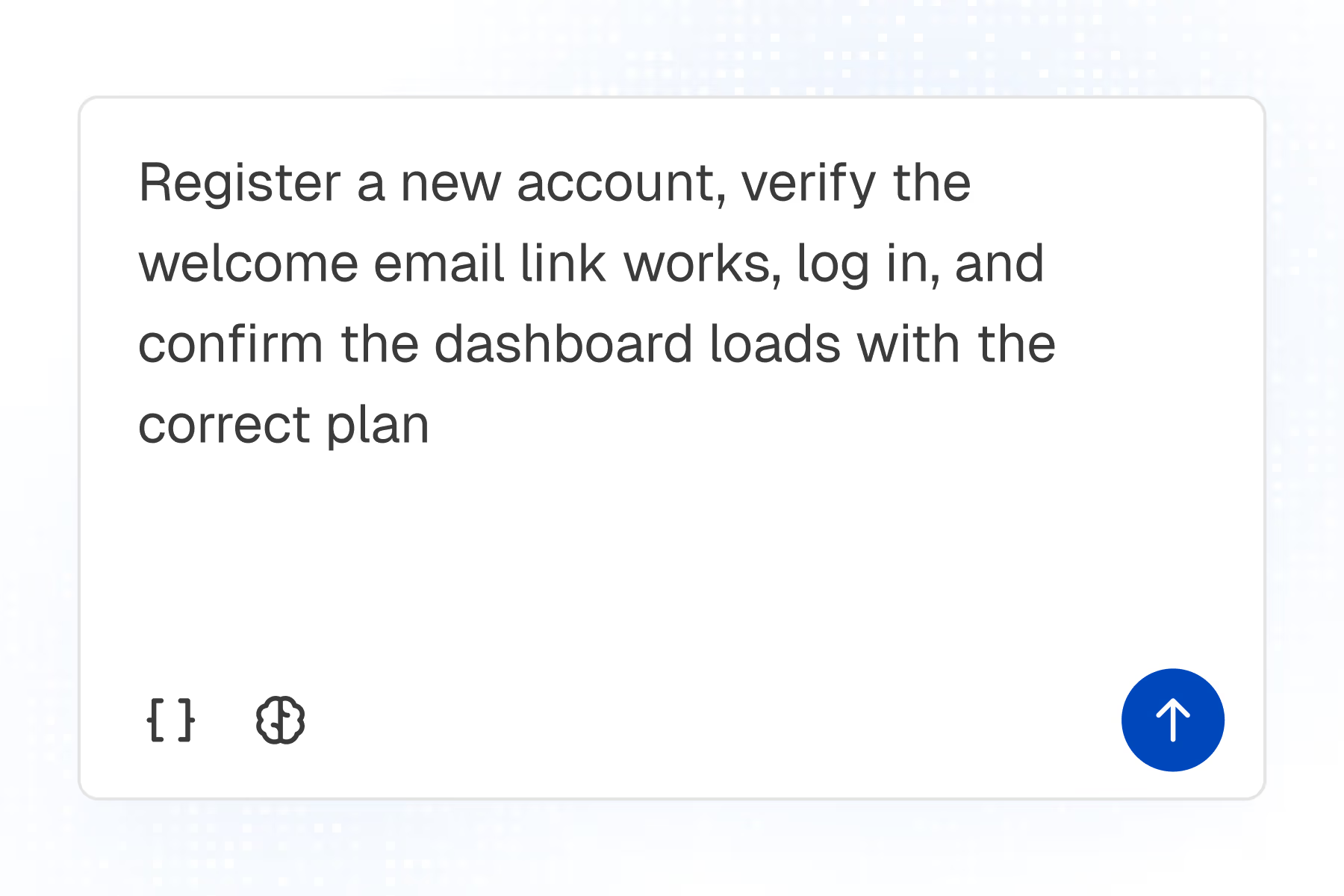
1. Describe
Register a new account, verify the welcome email link works, log in, and confirm the dashboard loads with the correct plan.
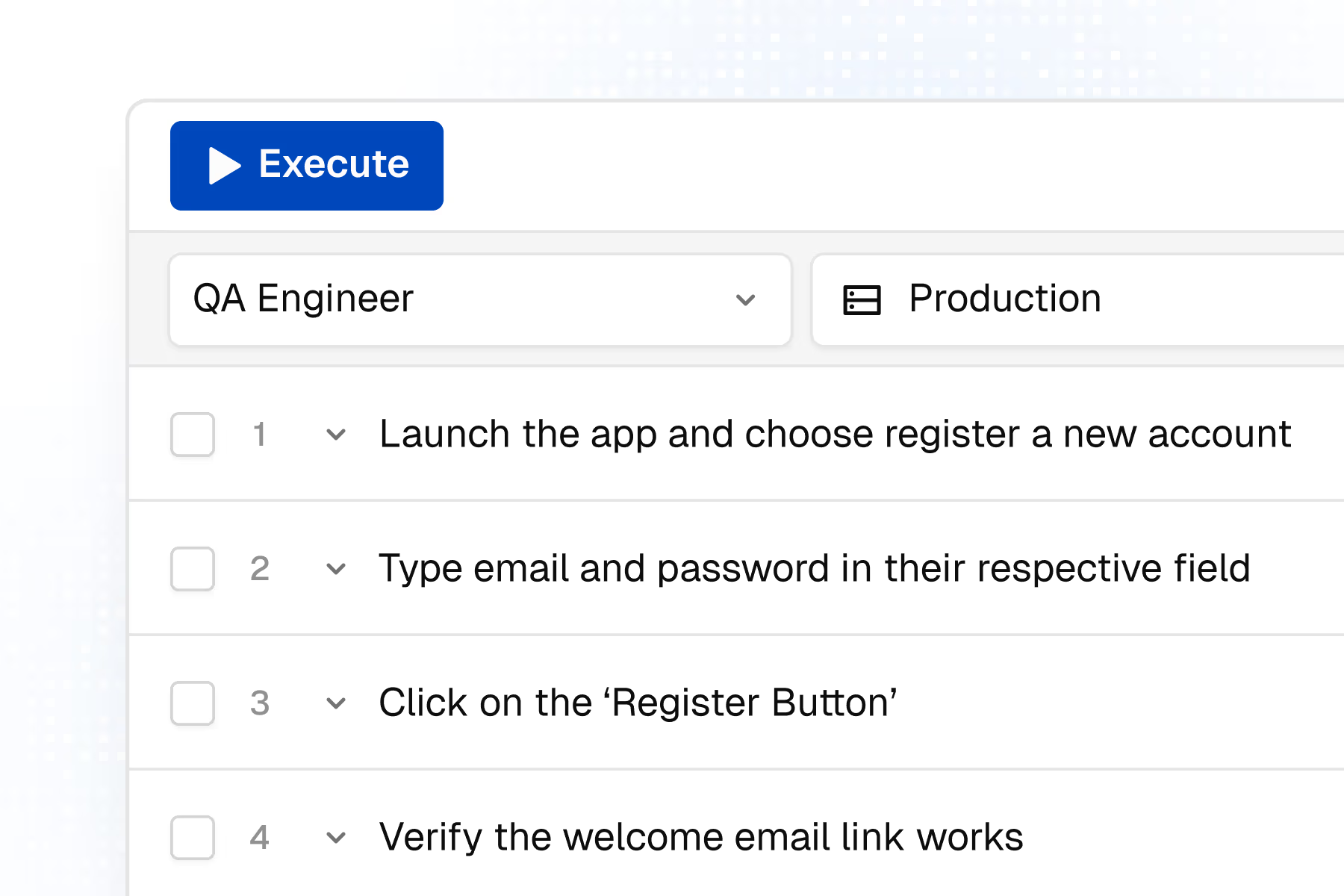
2. Generate
Thunders builds the full journey, with assertions on each state and the edge cases around them.
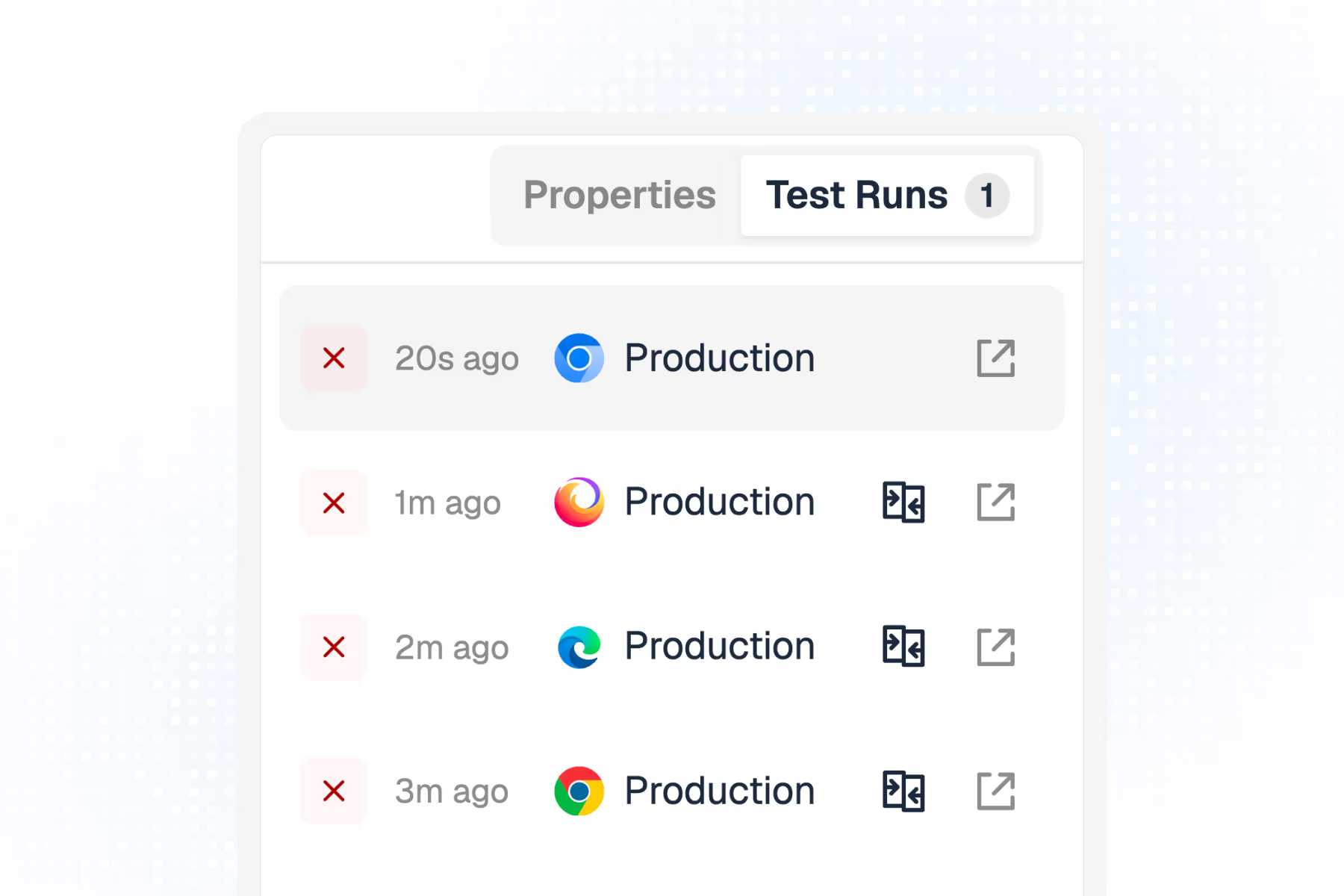
3. Execute
The test runs across browsers in your pipeline. Pass or fail report in minutes.
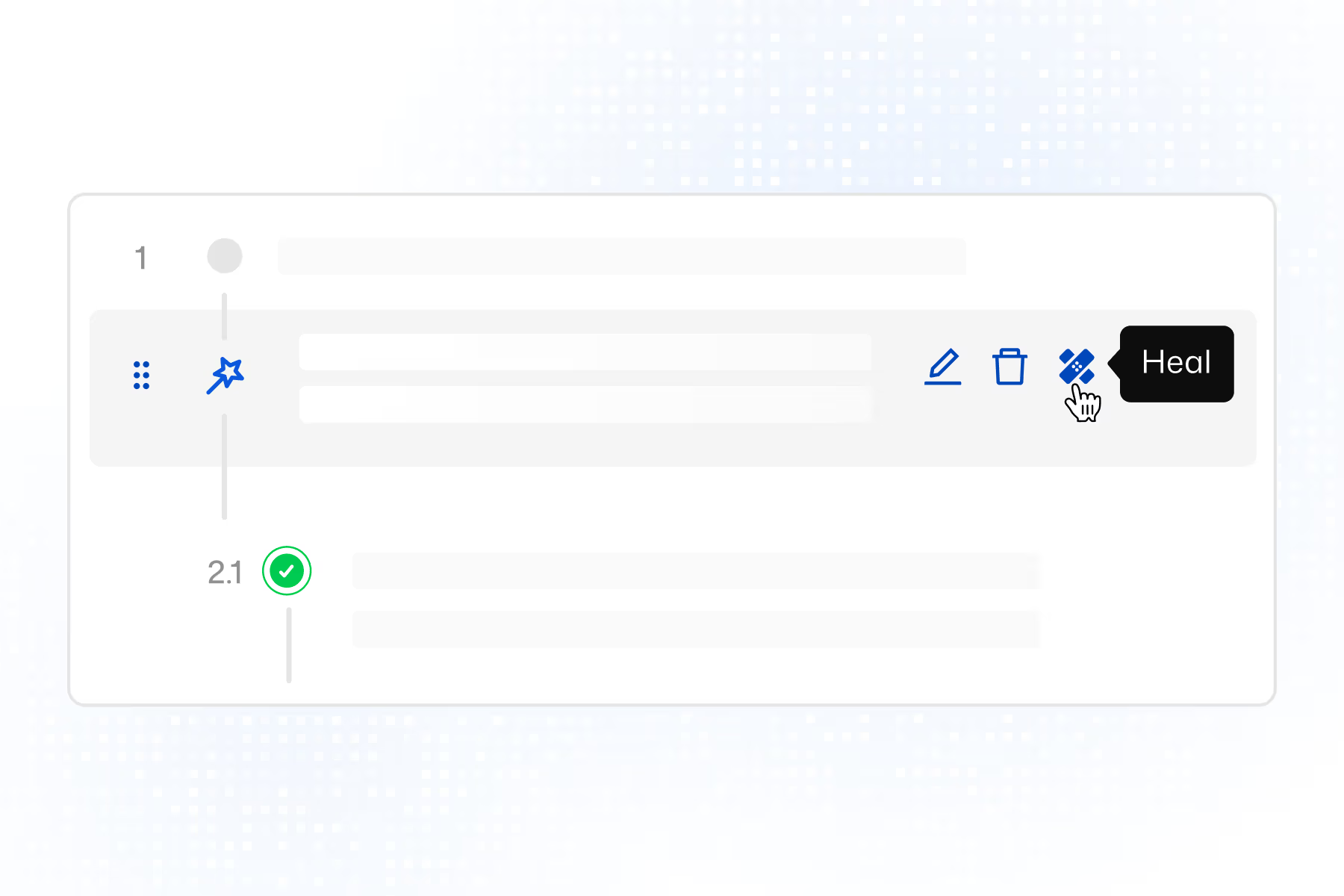
4. Maintain
The onboarding UI is redesigned. Thunders self-heals the affected steps. No rewrite.
Thunders, a scripted framework, or a browser lab?
Three different things get called “web app testing”. Here is what actually changes. A browser lab gives you somewhere to run tests. A framework gives you a way to write them. Thunders does the writing and the maintaining, and runs the result everywhere. If you would rather not do any of it yourself, our team can build and maintain your suite for you.
Thunders
Scripted framework (Selenium, Cypress, Playwright)
Browser lab (BrowserStack, Sauce Labs, LambdaTest)
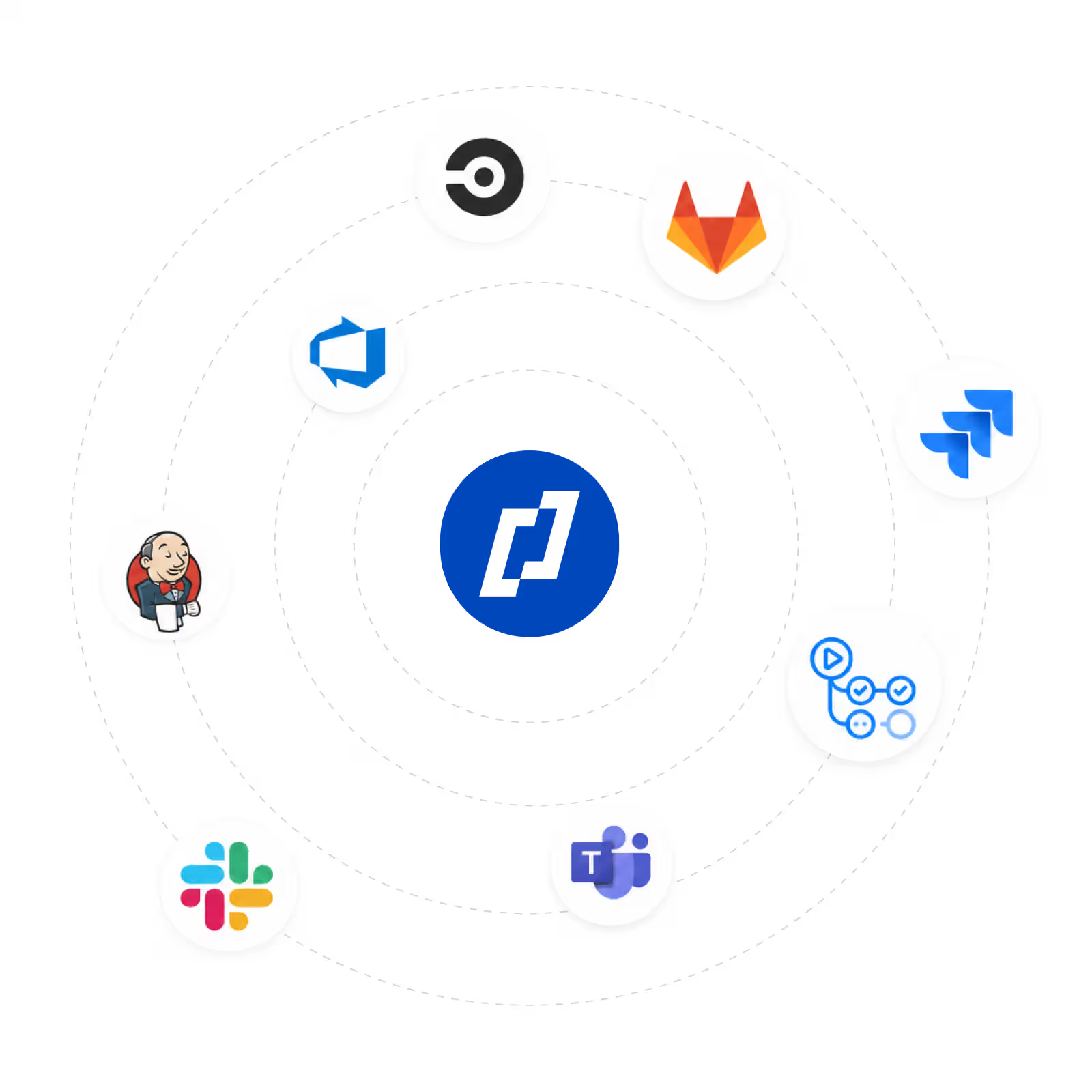
Plugs into your stack in minutes.
GitHub Actions, GitLab CI, Jenkins, CircleCI, Azure DevOps, Jira, Slack and Teams. Trigger tests on every merge request, before the change reaches production.
Frequently Asked Questions
Do I need to write code to test my web app?
No. Describe the flow in plain language and Thunders builds a runnable test with assertions and edge cases. QA, product, and engineering can all author tests without a framework.
Which browsers can I test?
Chrome, Firefox, Safari, and Edge, from one test. Thunders runs the same scenario across all of them in parallel, with no per-browser configuration.
What happens to my tests when the UI changes?
Tests are tied to intent, not selectors. When the page changes, Thunders finds the right elements and repairs the affected steps at runtime, so the suite stays green without a manual fix.
Can Thunders run in my CI pipeline?
Yes. It plugs into GitHub Actions, GitLab CI, Jenkins, CircleCI, and Azure DevOps, so tests run on every merge request before a change reaches production.
Can I bring my existing Cypress, Selenium, or Playwright tests?
Yes. Existing suites can be migrated into Thunders test cases without a manual rewrite.
See more use cases
Ready to ship faster with smarter testing?