Thunders integrations for AI test automation
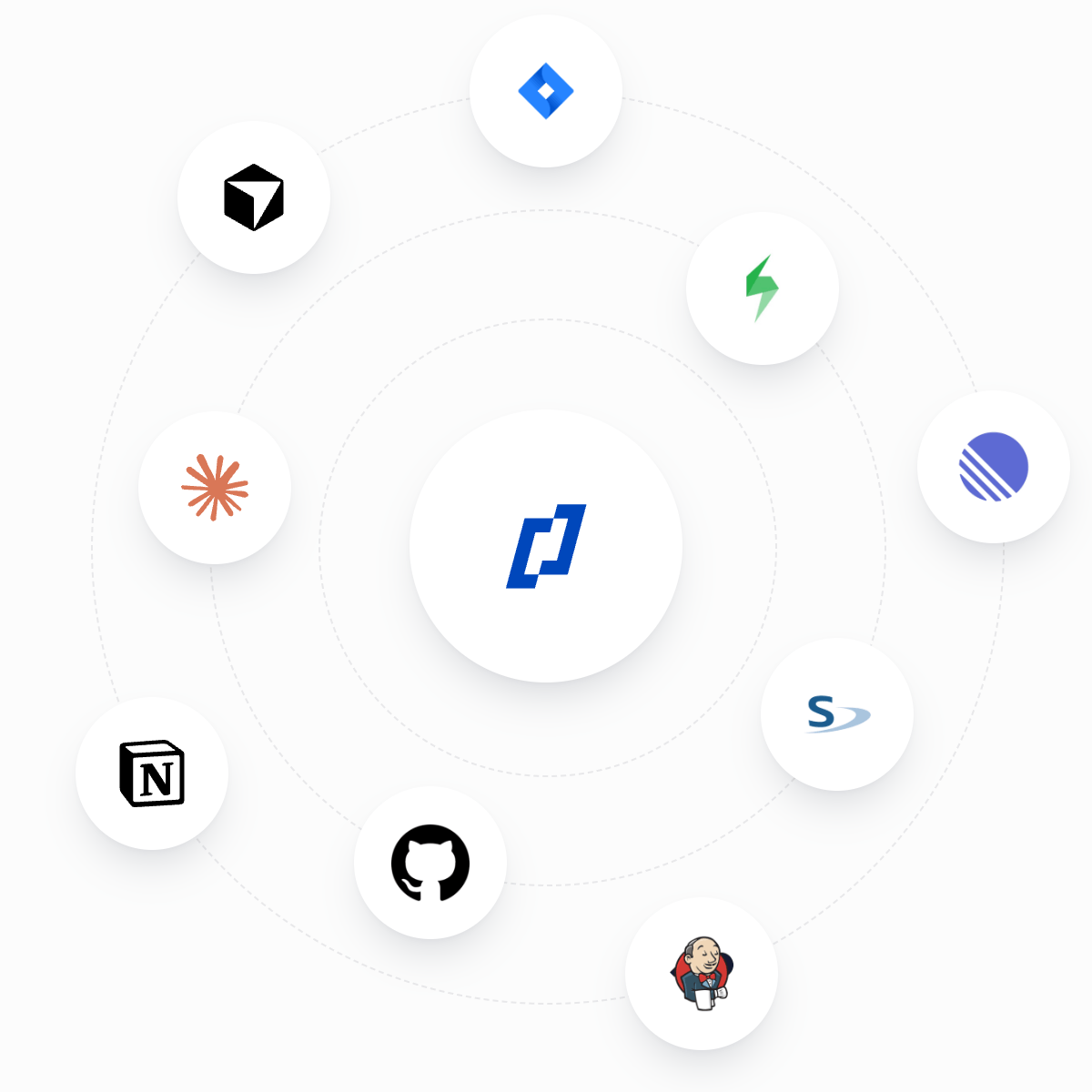
Connect Thunders AI Test Agents to Jira, Linear, Xray, Jenkins and GitHub. Generate tests from tickets, file bugs in one click, sync results and run tests from your pipeline.
All Thunders integrations
6 integrations





No integration matches your search. Connect it through a custom MCP server, or tell us what you need.
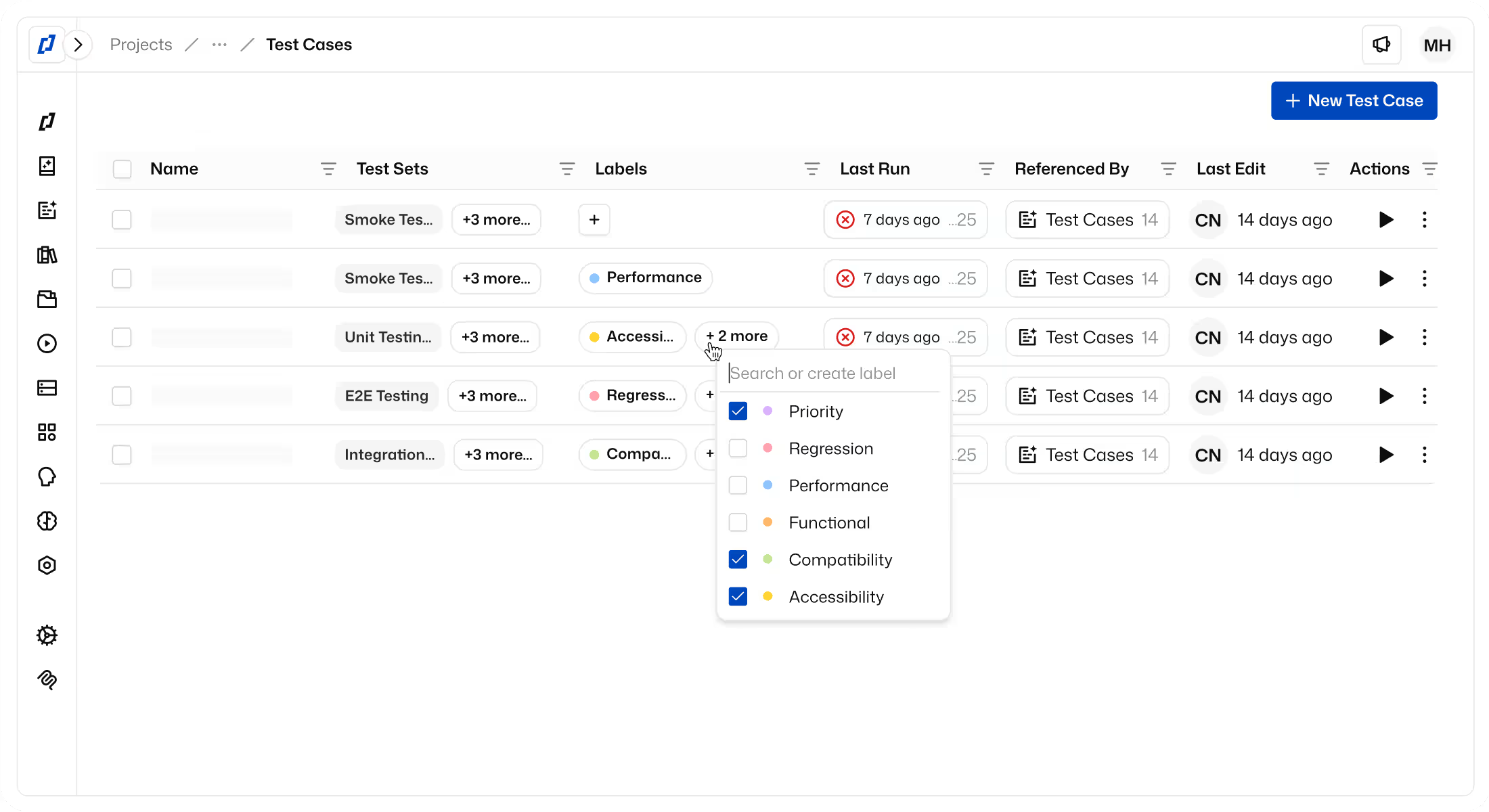
Setup steps for every integration are in the Help Center. Running tests from a pipeline? See the CI/CD feature.
Thunders integrations FAQ
Which tools does Thunders integrate with?
Thunders integrates with Jira and Linear for issue tracking, Xray for test management, and Jenkins and GitHub Actions for CI/CD. The Thunders MCP server connects Claude Code, Cursor and other MCP clients, and you can connect any custom MCP server to Thunders AI.
What can Thunders do with Jira or Linear?
Thunders AI reads a Jira work item or a Linear issue and generates a Test Case with steps and assertions in natural language. When a test fails, you file the bug in one click, with the reproduction steps and the screenshot of the failed step.
Does Thunders sync test results to Xray?
Yes. Import Xray tests and Test Plans into Thunders, then sync each run back to Xray with a status for every step, screenshots and timestamps. Auto-sync pushes every finished run without a click.
What is Thunders MCP?
Thunders MCP is an MCP server that lets AI Code Assistants like Claude Code and Cursor create tests, run them on Thunders infrastructure and read the results. Every run stays in Thunders, visible to the whole team.
My tool isn’t listed. Can I still connect it?
Yes, if it exposes an MCP server. Add it as a custom MCP server and Thunders AI can use it next to the built-in integrations.
Ready to ship faster with smarter testing?