
Automated Regression Testing
Thunders builds your regression suite from real user journeys across web and mobile, repairs it when your product changes, and runs it on every build. Your coverage grows without your maintenance load growing with it.












Why choose Thunders for Automated Regression Testing

Generate your regression suite from real user journeys
Describe the journeys that matter in plain language, or point Thunders AI at your specs, tickets or designs. It writes executable tests with steps and assertions, for web, iOS and Android, with no script to record by hand.

A suite that repairs itself when the UI changes
Thunders ties each test to the intent behind a journey, not to a fixed selector. When the interface changes, Thunders repairs the step during the run, so the test passes instead of failing for something that is not a product bug. Every repair is recorded, so you see exactly what was healed and why, and you can catch any change that should have been a real failure.

Run the full suite on every build
Thunders runs inside your existing CI/CD pipeline and triggers the suite on every build, across web and mobile, with live run streaming. It connects to GitHub, GitLab and Jenkins. You can also schedule a set to run whenever suits your workflow, so regression happens without anyone starting it.

Know which test failed and why, in one click
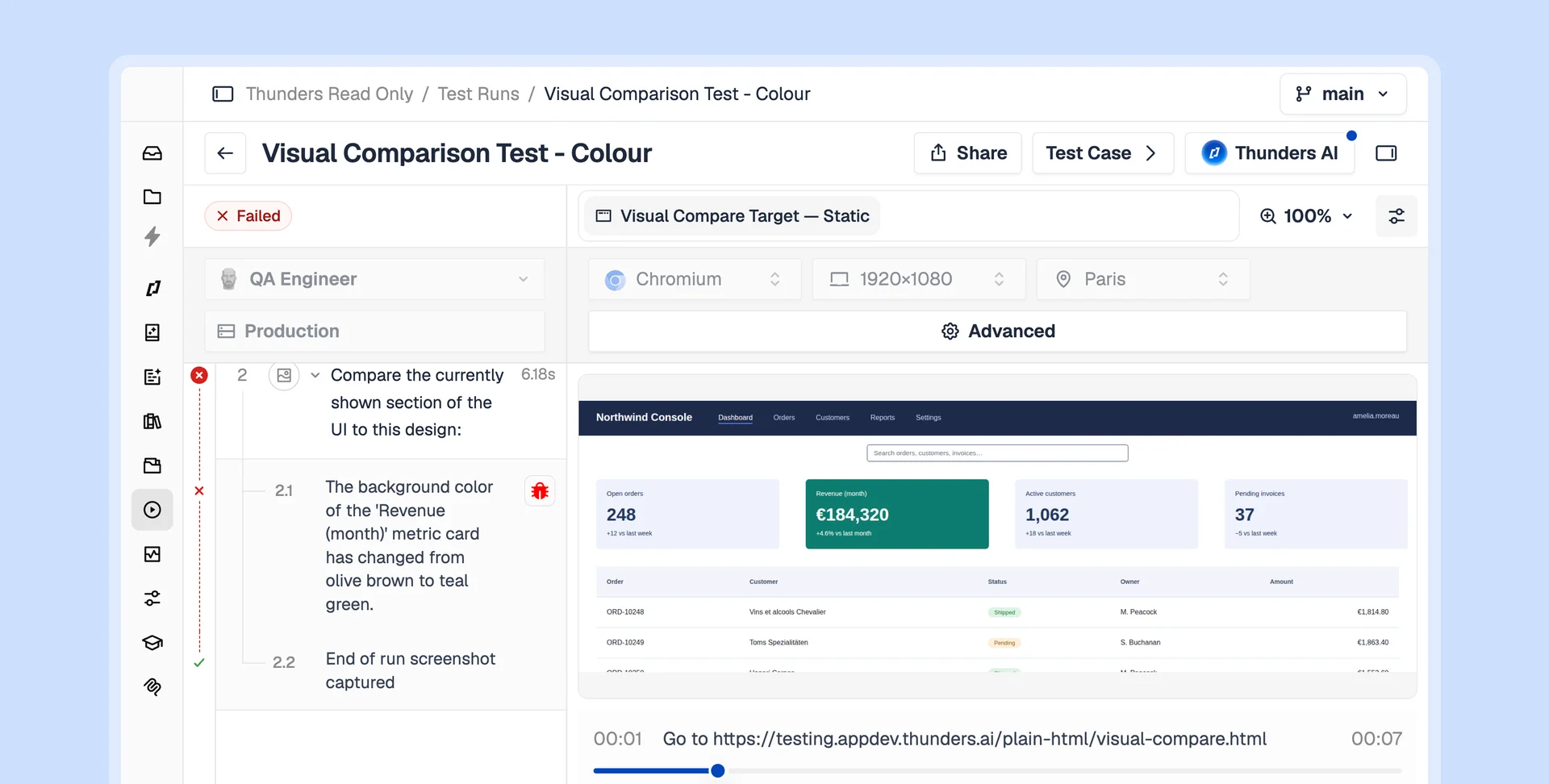
When a test fails, Thunders names the failing step, gives the reason with a screenshot, and separates a real product bug from a test issue. It can file the bug, with the evidence attached, straight into Jira, Linear or Xray, ready for your team.

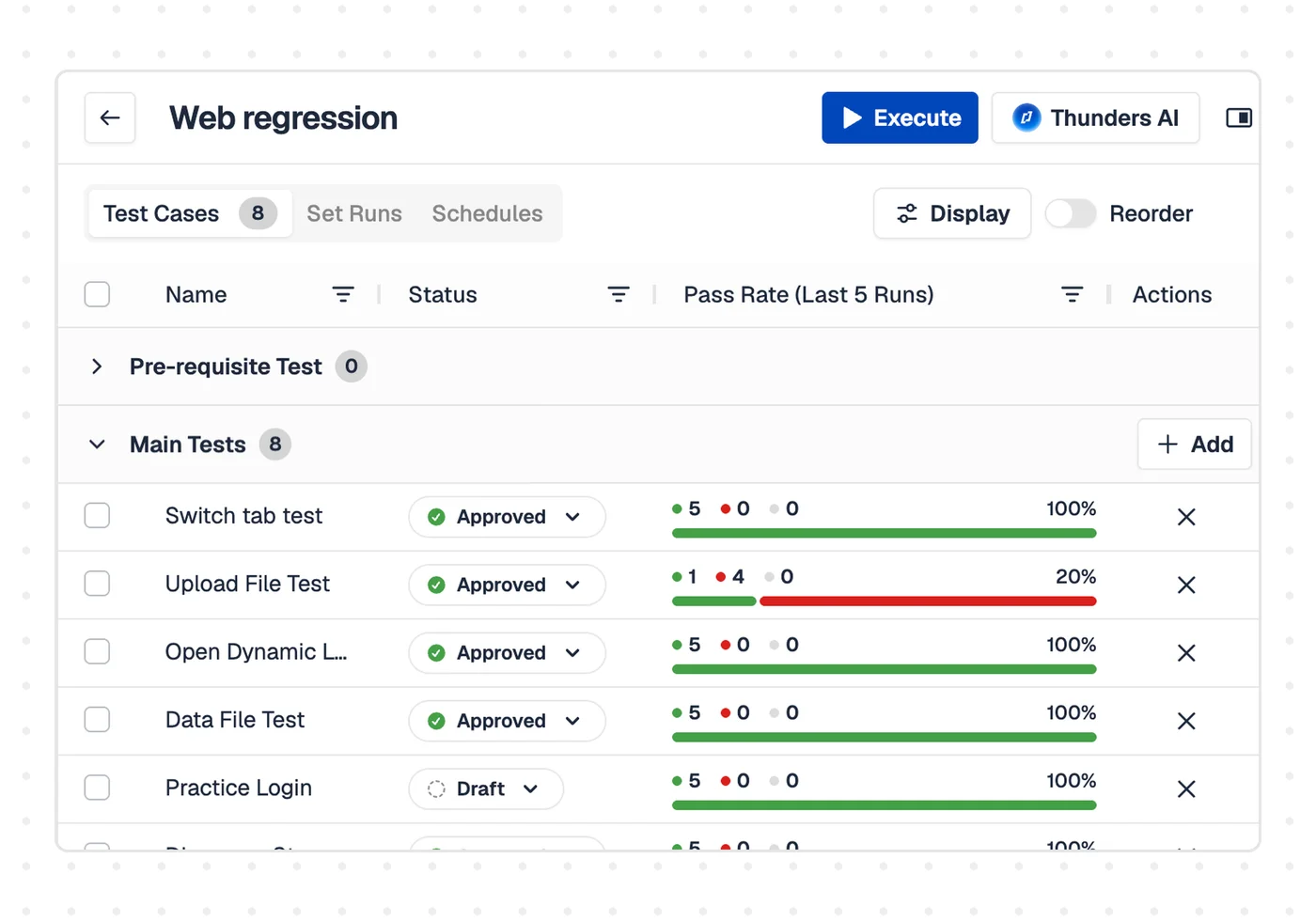
Pick what to run: full suite, smoke subset, or re-run only the failures
Group tests into sets and campaigns. Run the full campaign before a release, a smoke subset for a quick check, or re-run only the tests that failed. Data-driven tests run every case in a file in a single pass.

Create a test without a framework
Write a test in plain language and let Thunders AI turn it into steps, use the recorder to capture a flow on web or a real device, or add code steps for advanced cases. There is no framework to stand up, so teams beyond QA, including product and engineering, can own regression for their own scope.
Automated Regression Testing Use Cases
Trigger the full campaign on the release candidate and get a pass or fail with evidence, across web and mobile, instead of losing the days before a release to manual checks.
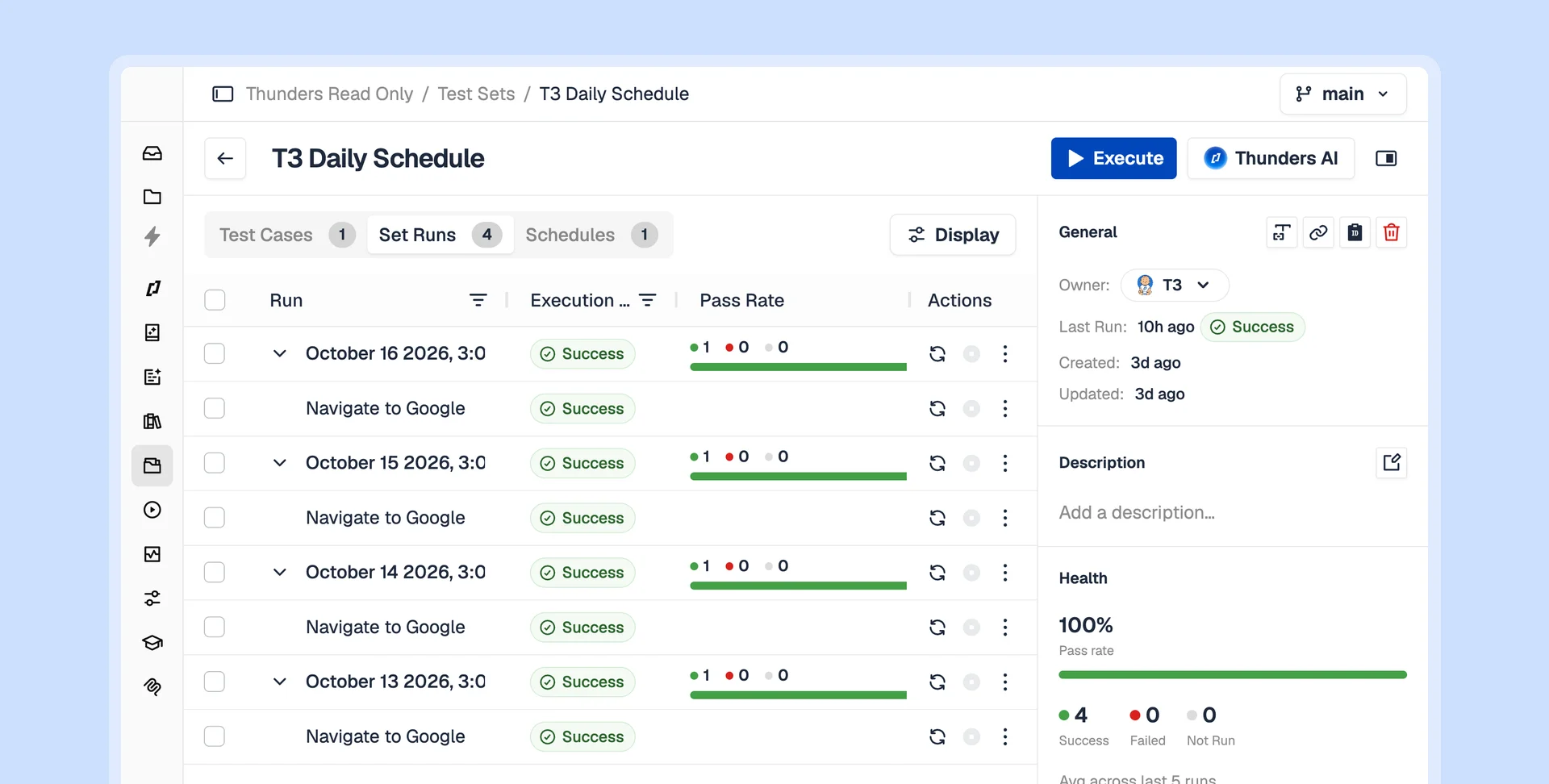
As the product changes, tests self-heal and failures are triaged automatically. A large suite stays green, and you can see exactly what Thunders repaired along the way. At Agorapulse the product team owned 80% of the test scope within six weeks.
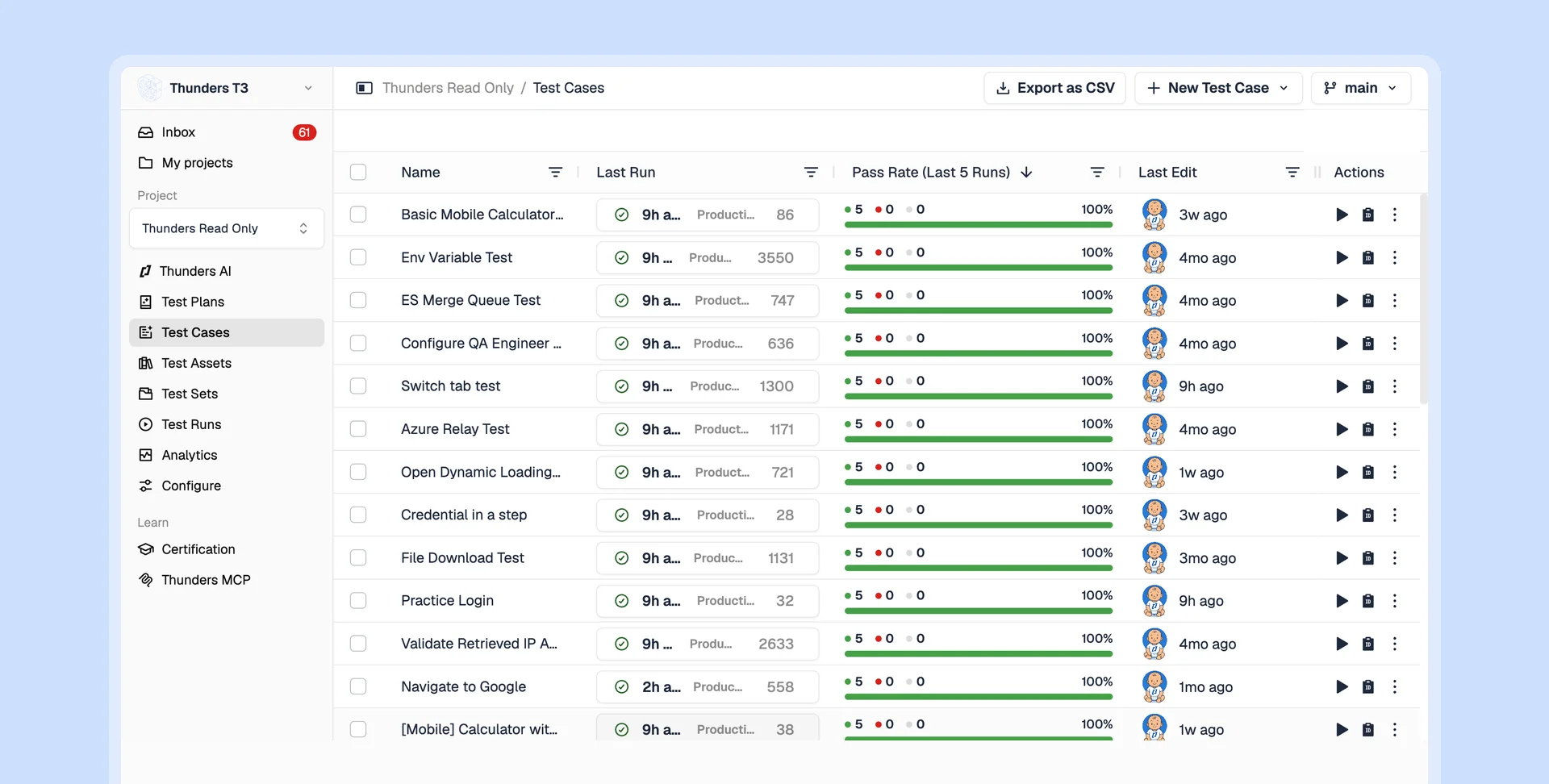
Move regression off the critical path. The suite runs on every build and catches visual regressions with Visual Compare, so release day is a check and not a scramble.

Now it's the PMs who write test plans in plain language directly in Thunders.
Florian Ernoult
VP Engineering
@
Agorapulse

Discover Thunders' features
Frequently Asked Questions
How do you automate regression testing?
Describe the user journeys you want protected, for web or mobile. Thunders AI writes them into executable tests, runs them on every build, and repairs them when the interface changes. There is no script to record and no framework to maintain.
Can regression testing be fully automated?
Most of it can. Thunders generates the suite, runs it on every build or on a schedule, and repairs steps that break when the UI changes. A person decides what to cover and reviews real product failures, while execution, maintenance and triage run on their own.
Is regression testing manual or automated?
Either, but manual regression does not scale. Running a growing suite by hand before each release costs days and skips cases under time pressure. Automated regression runs the full suite on every build, so coverage holds as the product grows.
How do you maintain a regression test suite?
With Thunders you do not maintain it by hand. Tests are tied to the intent of each journey, not to fixed selectors, so when the UI changes Thunders repairs the step during the run. Each repair is recorded, so you see what was healed and why.
What is the difference between regression testing and retesting?
Retesting confirms one specific bug is fixed. Regression testing confirms that the fix, or any other change, did not break something that already worked. Retesting is narrow; regression is broad and runs across the product.
What is the difference between smoke testing and regression testing?
A smoke test is a short check that the critical paths still work, run first to decide if a build is worth testing further. Regression testing is the full pass across the product. In Thunders both come from the same tests, run as a smoke subset or a full campaign.
How does AI help with regression testing?
AI writes the suite from real journeys, repairs tests when the interface changes, and triages failures by naming the failing step and separating product bugs from test issues. It can file the bug in your tracker. Coverage grows without the maintenance load growing with it.
How does regression testing fit into a CI/CD pipeline?
Thunders runs inside your existing pipeline and triggers the suite on every build, with live run streaming. It connects to GitHub, GitLab and Jenkins, and can run a set on a schedule you choose, so a failing regression blocks a release before it ships.
How much does automated regression testing cost?
Thunders has three plans: Starter, Pro and Enterprise. Automated regression sits in Pro, built for teams running daily regression suites across several environments, at $1,000 a month billed annually, with web and mobile included. Starter starts at $375 a month billed annually, and Enterprise is flat-rate and unlimited for the largest suites. Every plan includes a 14-day free trial. See /pricing for current rates.
Ready to ship faster with smarter testing?
