
SAP upgrades shouldn’t break the business. Thunders makes sure they don’t.
Thunders keeps your core SAP processes working through every migration and version upgrade. Describe the process in plain language, create a purchase order, post a goods receipt, and Thunders builds a test that runs across your Fiori and UI5 screens. It reruns before and after every S/4HANA upgrade, so finance, procurement and supply chain still work on go-live day. No scripts to write. No manual regression to grind through.












Every SAP upgrade puts your business processes at risk.
- Every S/4HANA upgrade forces a full regression pass inside a tight window
- Business users retest the same processes by hand, release after release
- Automation is locked inside specialist tools functional consultants can't touch
- Coverage of core processes stays thin because manual testing eats the time

- Describe the process once. Thunders reruns it through every migration and upgrade
- No more manual regression marathons before go-live
- Anyone on the team can author a test, functional consultants and business users included
- Real coverage across finance, procurement and supply chain flows
One way to protect every SAP migration.
Other SAP tools ship pre-built accelerator packs you configure. Thunders builds the test from the process you describe, then keeps it working through every upgrade.
Generate from the process
Describe the process the way the business runs it, create a purchase order, post a goods receipt. Thunders builds the test across the Fiori and UI5 screens involved.
Run it through the migration
Point Thunders at the upgraded system and rerun your whole suite. You see what still works and what the migration broke before your users do.
Maintain themselves
When an upgrade moves a screen or changes an element, Thunders detects the difference and repairs the test. Your suite survives the migration.
See it on a real SAP flow: purchase order in Fiori
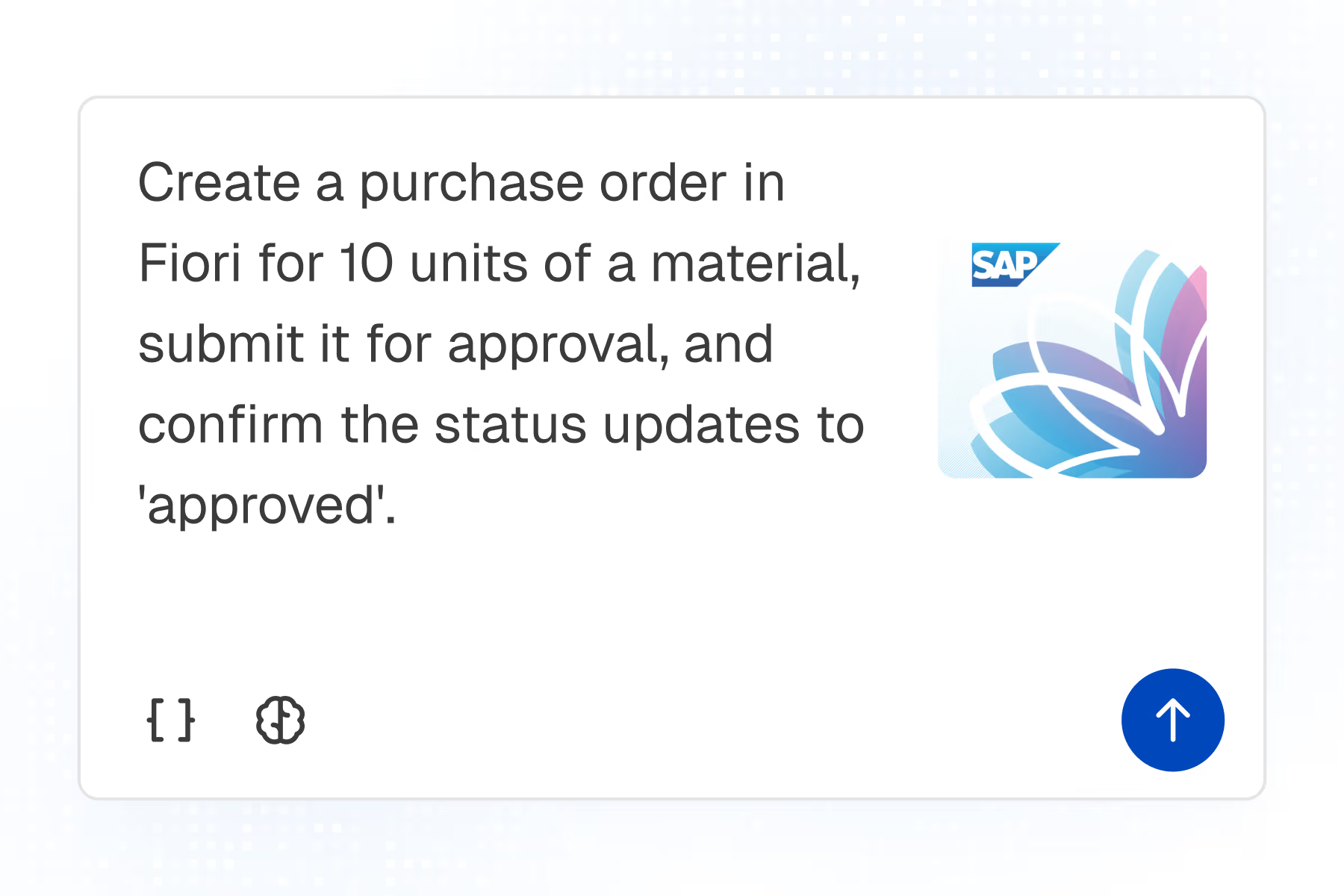
1. Describe
Create a purchase order in Fiori for 10 units of a material, submit it for approval, and confirm the status updates to 'approved'.
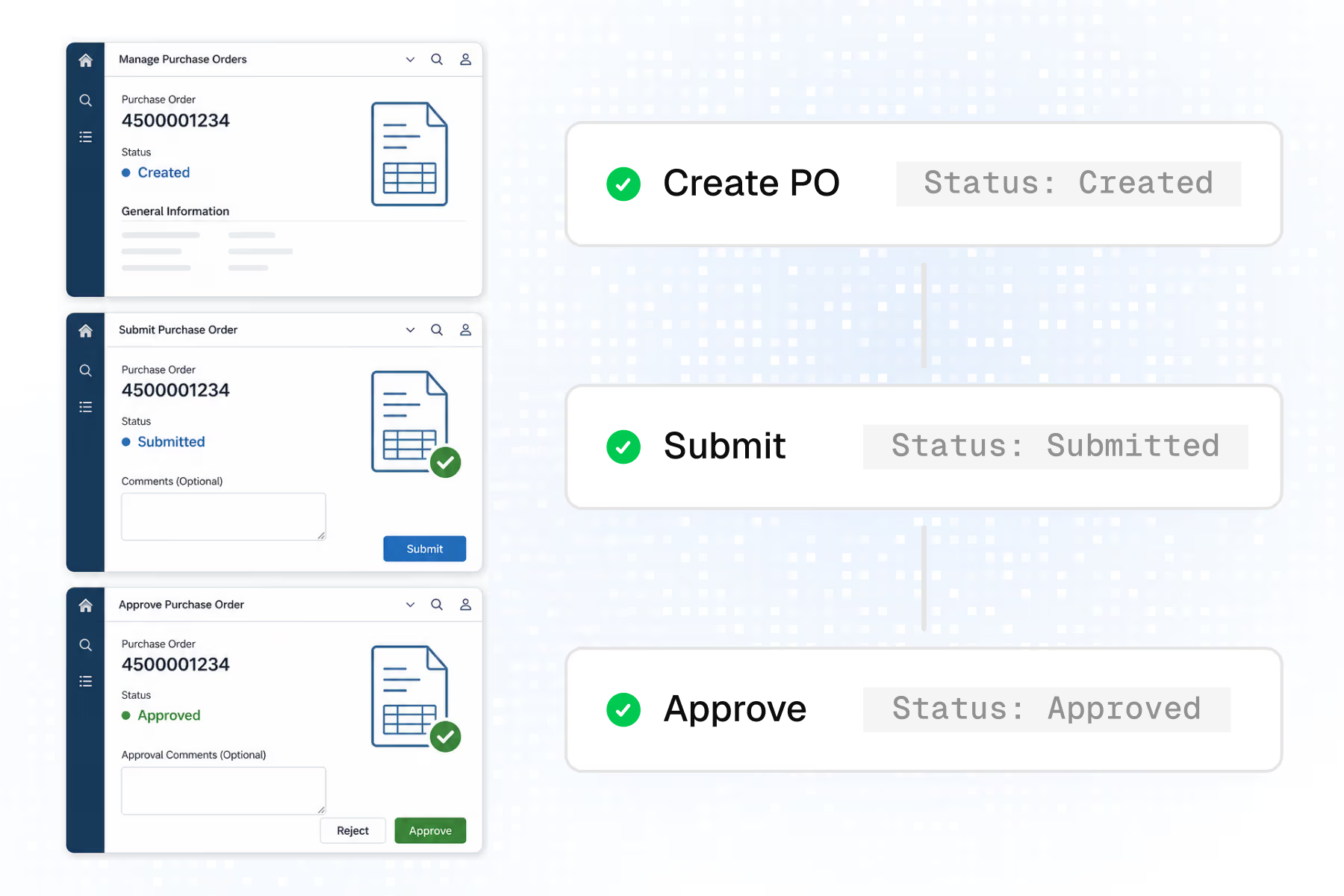
2. Generate
Thunders builds the steps across the Fiori screens, with checks on the order number and the status.
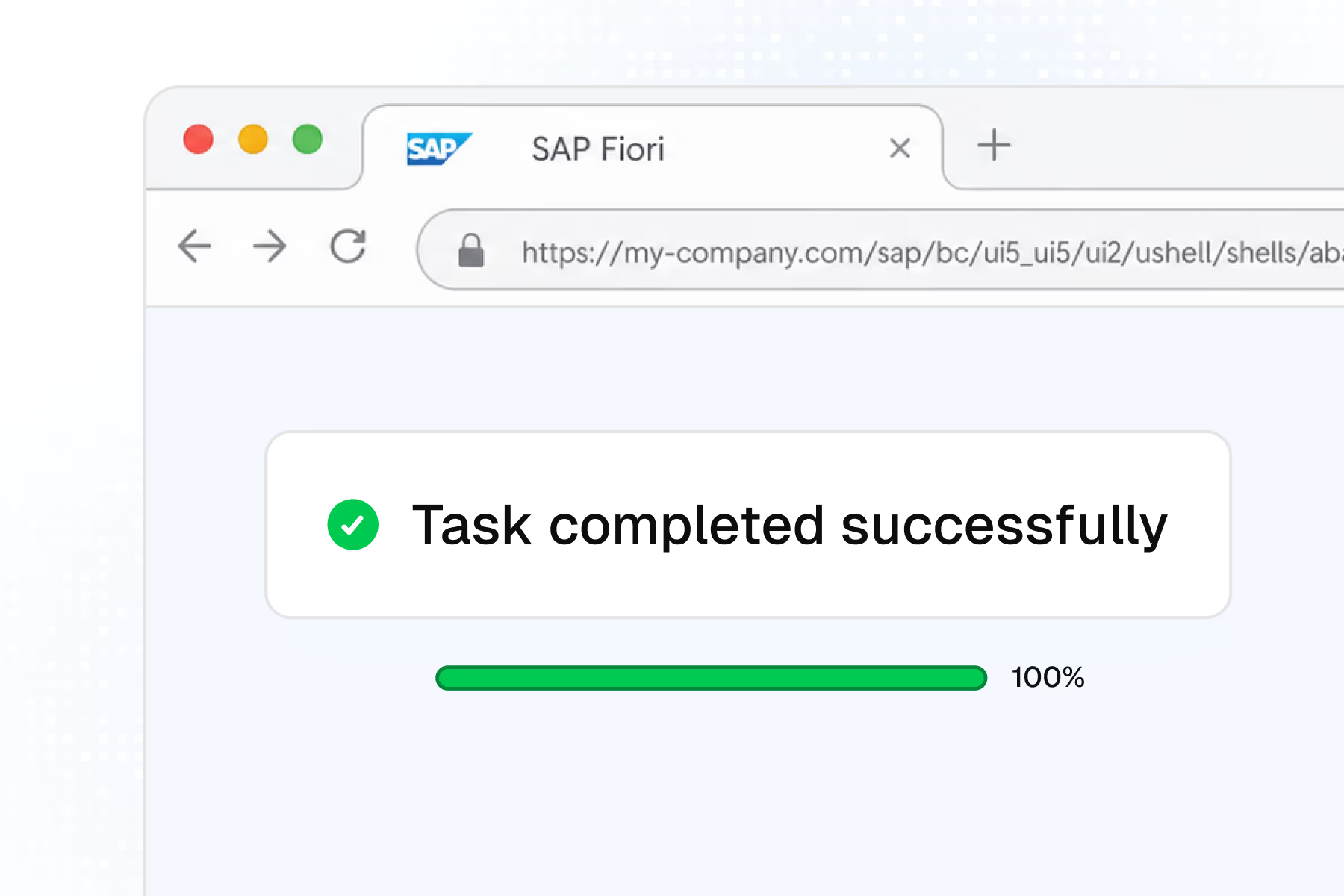
3. Execute
The test runs across the browsers your team uses, on demand or in your pipeline.
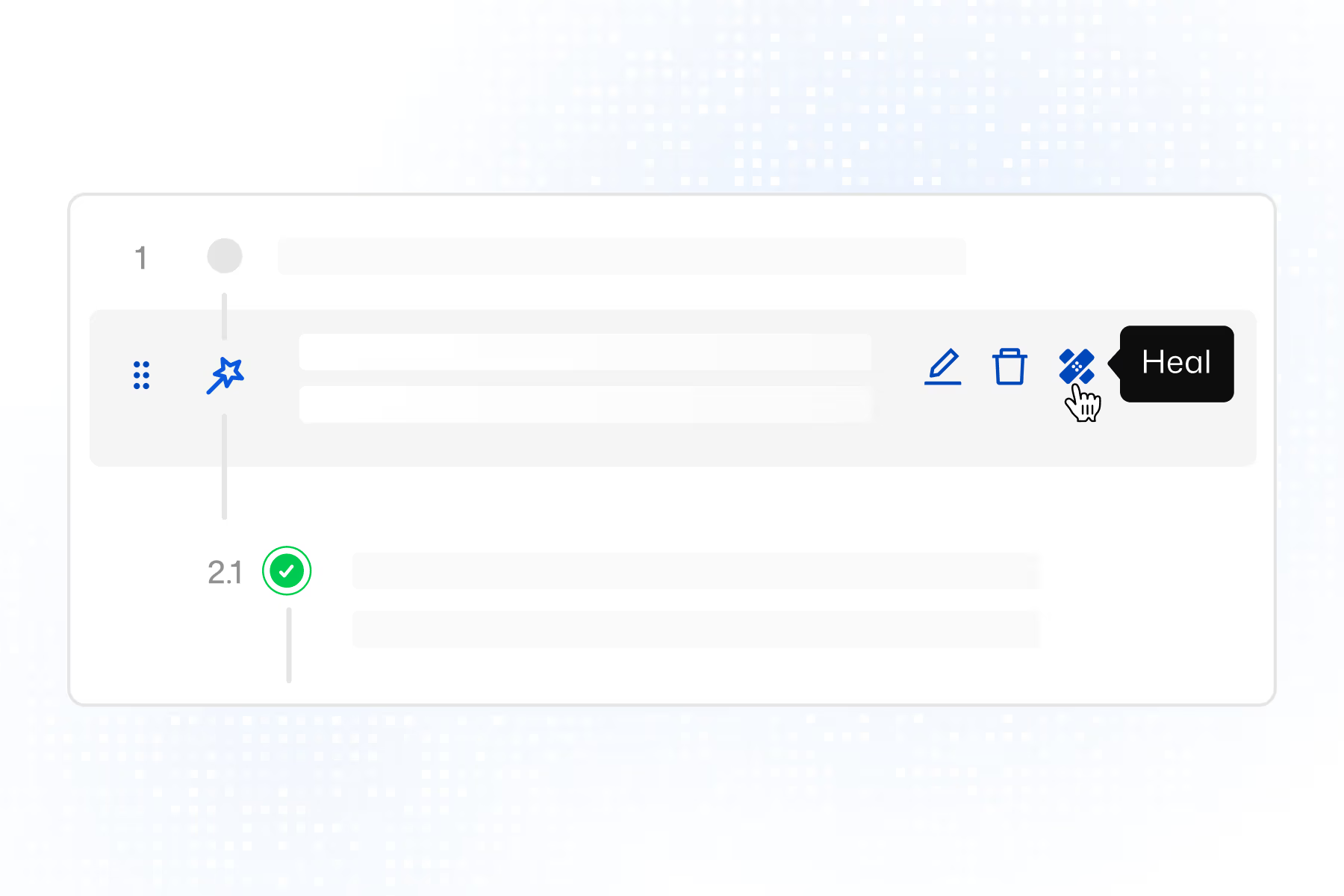
4. Migrate
An S/4HANA upgrade changes the approval screen layout. Thunders self-heals the affected steps. No rewrite.
Works with the SAP web stack you already run.
Fiori launchpad, UI5 apps and S/4HANA Cloud web interfaces. Plus GitHub Actions, GitLab CI, Jenkins, CircleCI, Azure DevOps, Jira, Slack and Teams.

Frequently Asked Questions
Can I test SAP Fiori and S/4HANA without writing scripts?
Yes. You describe the business process in plain language, create a purchase order, post a goods receipt, and Thunders builds the test across the Fiori and UI5 screens involved. There are no selectors to script and no framework to stand up first.
Will my SAP tests survive an S/4HANA upgrade or migration?
Yes. Thunders tests describe the process, not the underlying element IDs, so they hold when an upgrade changes the screen. When a step is affected, Thunders self-heals it, so you rerun your suite through the migration instead of rewriting it under deadline.
Do I need to be a developer to automate SAP testing?
No. Because tests are written in plain language, functional consultants and business users can author them, the people who already know how the process should run. That is the main reason so much SAP testing stays manual today: legacy automation is locked inside specialist tools most of the team can't use.
Which SAP applications does Thunders test?
Thunders tests SAP web interfaces: the Fiori launchpad, UI5 apps and S/4HANA Cloud, across finance, procurement and supply chain flows. It does not cover the classic SAP GUI desktop client.
How does Thunders handle Fiori's dynamic element IDs?
Fiori generates element IDs that change between sessions and releases, which is what breaks selector-based scripts. Thunders targets the intent of each step rather than a fixed locator, so the test still runs when the underlying ID changes.
How is Thunders different from tools like Tricentis Tosca or Worksoft?
Traditional SAP testing tools ship pre-built accelerator packs you configure, or scripts a specialist team maintains after every change. Thunders builds the test from the process you describe and keeps it working through each upgrade, so you're not maintaining a script library or waiting on a dedicated automation team.
Can I run SAP tests in my CI/CD pipeline?
Yes. Results land in GitHub Actions, GitLab CI, Jenkins or Azure DevOps, and in Jira, and Teams, so SAP regression runs alongside the rest of your release process.
See more use cases
Ready to ship faster with smarter testing?
