TLDR
Cross-browser testing checks whether a web application behaves correctly and usably across the browser and operating-system combinations its users actually run. The right approach starts with real usage analytics rather than an assumed universal list of environments. Teams that build a deliberate browser matrix, separate smoke from full regression coverage, and automate prioritized checks in their delivery pipeline catch browser-specific failures before users do. The correct balance between manual and automated testing depends on risk, release frequency, browser diversity, and available team resources.
Cross-browser testing is one of those practices that sounds obvious until a critical user journey silently breaks in Safari or a layout collapses in Firefox on Windows, and nobody catches it until a customer reports it. The goal is not identical rendering in every environment. Fonts differ slightly between operating systems. Scrollbar widths vary. CSS implementations have gaps. The target is consistent behavior and usability across the browser and OS combinations that actually matter to your users.
This guide gives you a practical framework for planning, executing, and maintaining cross-browser coverage. Whether you are building a test matrix for the first time or auditing a suite that has grown brittle, the same principles apply: start with data, prioritize by risk, and keep manual and automated checks complementary rather than duplicated.
For a broader look at testing methodologies and compatibility concepts, the MDN Web Docs testing module is a reliable reference.
How to Build a Cross-Browser Test Matrix
The instinct is to test everywhere. The problem is that "everywhere" is unmanageable and most combinations produce no failures. A browser matrix works when it is scoped to the environments that carry real risk.
Start with four inputs:
- Supported environments: which browsers, operating systems, and devices does your product officially support? This is often defined by a product or engineering decision and documented in a README or help article.
- Product analytics: where do your actual users connect from? Session data, user-agent reports, or an analytics platform shows the distribution across browser and OS combinations.
- Critical user journeys: which flows touch payment, authentication, core functionality, or high-revenue paths? These need coverage on every combination in your supported set.
- Business risk and support history: which environments have generated bug reports or support tickets? Past failures are the strongest predictor of where future failures will occur.
With those four inputs, you can rank combinations into tiers: environments where a failure would damage revenue or violate accessibility obligations, environments that cover a meaningful share of your users, and environments worth exploratory spot-checks when capacity allows.
| Priority tier | Definition | Coverage target |
|---|---|---|
| Critical | Supported + high traffic + core user journeys | Full regression on every release |
| Standard | Supported + moderate traffic or secondary journeys | Smoke suite on every release, full regression periodically |
| Exploratory | Low traffic, no critical journeys | Ad hoc, manual checks as capacity allows |
This table is a starting point, not a prescription. Your analytics and risk profile determine which combinations land in each tier.
Prioritize by user impact and release risk
Traffic alone is not enough to prioritize. A browser with 3% of your traffic might handle a disproportionate share of your revenue if it is the default for an enterprise customer segment. Conversely, a browser with a larger share of total traffic might have no presence on critical checkout or authentication paths.
For each combination in your matrix, ask whether a failure there would affect a revenue path, a regulated flow, or a user group with accessibility requirements. That question tends to sort combinations more reliably than traffic percentages alone.
Reduce coverage in environments where the application's behavior is structurally unlikely to differ. If your front end has no platform-specific code and your critical dependencies have documented support across modern browsers, the marginal risk in tier-3 combinations is low.
Separate smoke, regression, and exploratory coverage
The three layers serve different purposes and run at different frequencies.
Smoke tests are fast, narrow, and run on every build. They check whether the application loads and core journeys are reachable, not whether every edge case works. A smoke suite that takes more than a few minutes to execute across your critical browser combinations is too broad.
Regression tests cover the full prioritized matrix at a deeper level. They run before releases and after significant changes. Regression suites are where most browser-specific issues surface because they exercise a wider surface area.
Exploratory testing is manual, targeted, and runs when something has changed significantly. A new payment integration, a redesigned checkout flow, or a major CSS refactor all warrant exploratory checks in browsers that automation does not cover in depth.
Manual vs. Automated Cross-Browser Testing
Neither approach covers what the other one covers best.
Manual testing is the right tool for exploratory work, newly changed flows, and cases where you need to evaluate subjective quality. A human reviewer catches layout problems that are technically correct but visually wrong, interactions that work but feel broken, and edge cases that only emerge from improvised navigation. Manual testing is also the only practical approach for the long tail of combinations in the exploratory tier.
Automated testing covers repeatable, regression-relevant scenarios at a depth and frequency that manual effort cannot match. Once a test is written and stable, it runs in every environment on the matrix, in every build, without coordination overhead.
Real devices give you the highest fidelity. Network conditions, GPU rendering, and device-specific input behaviors all behave exactly as users experience them. The trade-off is cost and infrastructure management.
Emulators and simulators are fast to provision and adequate for most functional checks, but they do not reproduce hardware-level behavior. A test that passes in an emulated Safari does not guarantee the same result on a physical device.
Headless execution reduces resource consumption and is appropriate for CI environments where visual inspection is not required. It is unsuitable for any check that depends on rendering fidelity, font rendering, or GPU-accelerated animations.
The practical starting point: automate the critical tier, use real devices for high-risk flows and accessibility checks, and reserve headless execution for the high-frequency, low-fidelity smoke layer.
How to Automate Cross-Browser Testing in CI/CD
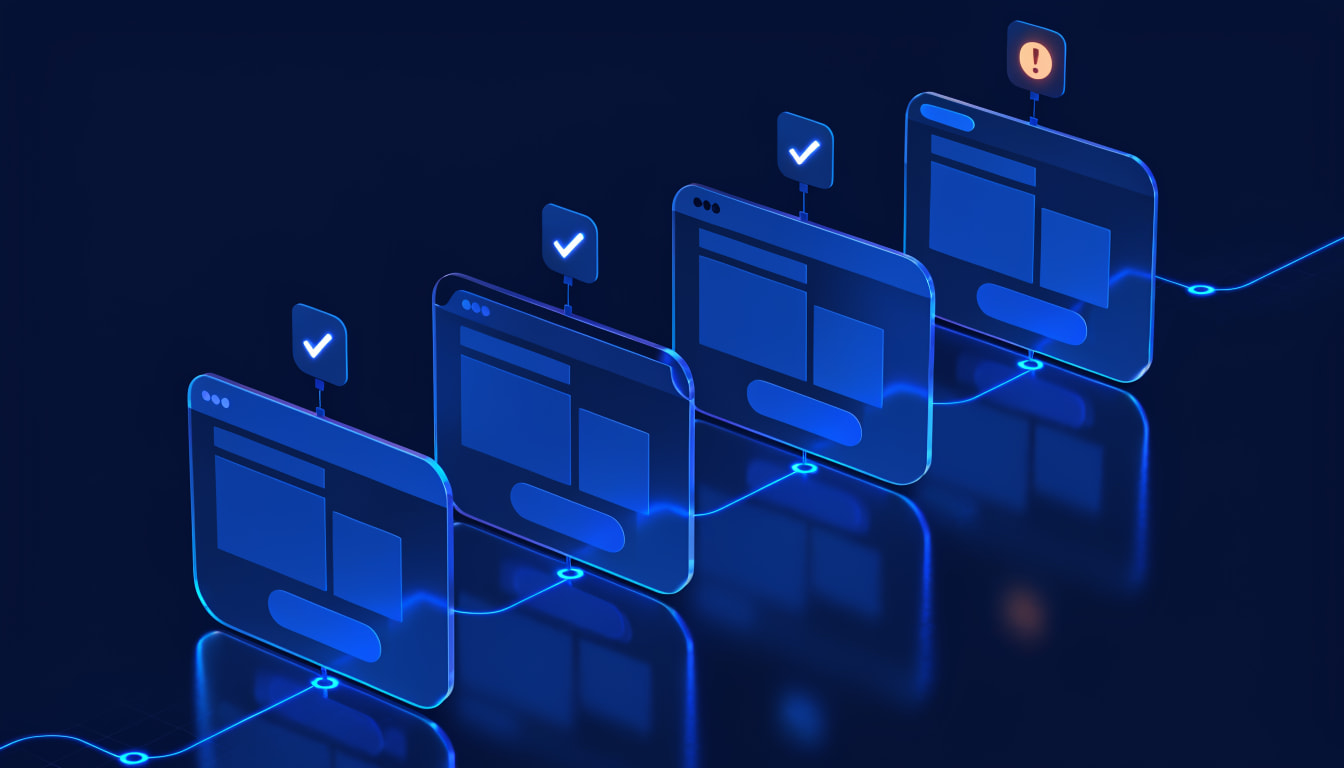
Embedding cross-browser checks in the delivery pipeline means failures are caught at the moment of change rather than discovered later. The basic flow has five steps:
- Trigger. A commit, merge, or deployment event starts the pipeline run.
- Provision. The test environment is prepared with the target browser, OS, and any required test data or authentication.
- Execute. Prioritized tests run against the provisioned environment.
- Collect evidence. The run produces a record of passed and failed steps, with screenshots or video where configured, and browser-specific console and network logs.
- Triage. Failures are classified as product defects, environment issues, test infrastructure problems, or test data problems. Each category has a different owner and resolution path.
Failure handling needs to be defined before the pipeline runs, not after. Decide which test failures block the build and which produce a report for async review. A single intermittent failure in a tier-3 environment that blocks every release is a process failure, not a quality gate.
Ownership is the other critical decision. Browser-specific failures in CI often fall between QA and frontend engineering because neither team owns the full stack. Assign triage ownership explicitly for each failure category so that failures get resolved rather than deferred.
Teams evaluating platforms for CI/CD integration can review automation and service options via Thunders QA as a Service and the Thunders product overview, which covers CI/CD integration and environment-aware test execution.
Common Cross-Browser Issues and How to Triage Them
Most browser-specific failures fall into a small number of categories.
CSS and layout differences occur because CSS implementations are not identical across browsers. Flexbox and Grid behavior, font rendering, and default element styling vary. Check whether the issue is a genuine implementation difference or a missing normalization rule before filing it as a product defect.
JavaScript behavior differences matter most for older API usage, event handling, and timing. The risk is highest in applications that rely on non-standard browser APIs or that assume behavior consistent with a single engine.
Input and interaction differences affect form elements, date pickers, file inputs, and drag-and-drop behavior. These are among the most frequent sources of browser-specific reports because they interact with the host OS.
Font and media rendering varies by operating system. Text metrics differ between Windows and macOS even in the same browser, which affects layout in ways that do not fail a functional test but do produce visible differences.
Permissions and security context behavior differs meaningfully. Camera, microphone, geolocation, and notification APIs behave differently by browser and OS, and their behavior changes when the page is served over HTTPS versus HTTP in a test environment.
When a browser-specific failure occurs, capture:
- reproducible steps, with the exact starting state;
- expected and actual behavior, described precisely;
- browser name, version, and operating system;
- screenshots or video of the failure;
- relevant console errors and network requests;
- the test data state at the point of failure.
That set of evidence turns a vague browser report into something a developer can act on without a second round of investigation.
Maintaining Cross-Browser Tests as the UI Changes
The most common failure mode in automated cross-browser testing is not a browser-specific defect. It is a test that breaks because the UI changed and the test was not updated.
Locator maintenance is the core problem. Tests that target elements by CSS class, XPath, or other unstable attributes fail whenever the front end is refactored, even when the application's behavior is correct. Prefer stable, semantically meaningful selectors where possible.
Flaky failures need investigation before suppression. A test that fails intermittently in one browser but not others often signals a timing issue, a test data dependency, or an environment problem rather than a genuine defect. Suppressing the failure defers the diagnosis.
Test data stability affects cross-browser results in subtle ways. If test data is shared across environments or sessions, state contamination can produce failures that appear browser-specific but are actually data sequencing problems.
UI change review should be a standard step in the development workflow. When a component changes, the tests that cover that component should be reviewed at the same time, not after the first failure.
Self-healing is a capability available in some test platforms. When a UI change breaks a selector, a self-healing system can repair the locator during the run rather than failing the test. The key requirement when evaluating a self-healing tool is auditability: a system that silently modifies a test and returns a green result without preserving evidence makes it harder for a team to determine whether the original test intent is still being verified.
If Thunders is being evaluated for maintenance workflows, it logs each healed step in the run report with the specific selector change it made, and tracks a "Failures Avoided" score in Analytics so teams can see how often self-healing prevented a false failure over time.
Cross-Browser Testing Checklist
- Supported browser and OS inventory is documented and reviewed.
- Critical user journeys are identified and have prioritized coverage across the full supported matrix.
- Smoke and regression suites are separated, with different trigger conditions and scope.
- Manual exploratory checks are scheduled for high-risk or significantly changed areas.
- Automated runs capture reproducible evidence: steps, screenshots or video, console and network logs.
- CI/CD ownership, failure thresholds, and artifact retention are defined.
- Browser-specific defects are triaged with browser version, OS, and test data context.
- Coverage and priorities are reviewed when product analytics, user base, or risk profile changes.
Conclusion
Cross-browser testing works best when it starts with data rather than assumptions. A browser matrix built from product analytics, supported environments, and real risk is more defensible than a list of popular browsers, and far more maintainable.
Manual and automated checks are not alternatives. They cover different things: manual testing catches the subjective and the unexpected, automation covers the repeatable at the required scale. The question is not which one to use but where each one adds the most value.
Test maintenance is the part that most plans underestimate. Locator instability, flaky tests, and UI changes without corresponding test updates are all predictable, which means they can be planned for. Teams that build review of changed workflows into their development process carry less accumulated maintenance debt than those that treat it as a cleanup task.
When your coverage requirements or maintenance overhead outgrows what the team can handle, it is worth evaluating whether a platform can share the load. Start a free trial or book a demo with Thunders to see whether its CI/CD integration and self-healing maintenance fit your workflow.