A Defects page, SOAP service tests, and network logs for web runs
TL;DR
See every bug that your team reported on one Defects page, test email flows end to end and SOAP services from a WSDL, and read the network calls and console log of a web run. This release also adds saved list views, the logs and video of a mobile run, and new Thunders MCP tools.
FEATURE
- Defects page: See every bug that your team reported from a test run on one page for each project. Filter the bugs by persona, open the ticket or the test run, and unlink a bug that no longer applies.
- End-to-end email testing: Send an email from your app to a test address, then use an Open email step to read it during a web or mobile test. Use the code or link in the next steps, and see received emails in your project's Test inbox.
- Test SOAP services: Import the WSDL of a SOAP service on an API app. Then send an XML request from an API Call step and check the values of the XML response.
- Endpoints of an API app: The API app page lists each endpoint of its spec, with its tests and its latest result. Ask Thunders AI to suggest tests for the endpoints that have none. Pick an endpoint to fill an API Call step.
- Network calls and console log of a web run: Turn on network capture in the web run settings. Then open the DevTools panel of the run to see each network call and the console log, or download the calls as a HAR file.
- Logs and video of a mobile run: See the device log, the Appium log and the video of a mobile run, and read the page source of each step.
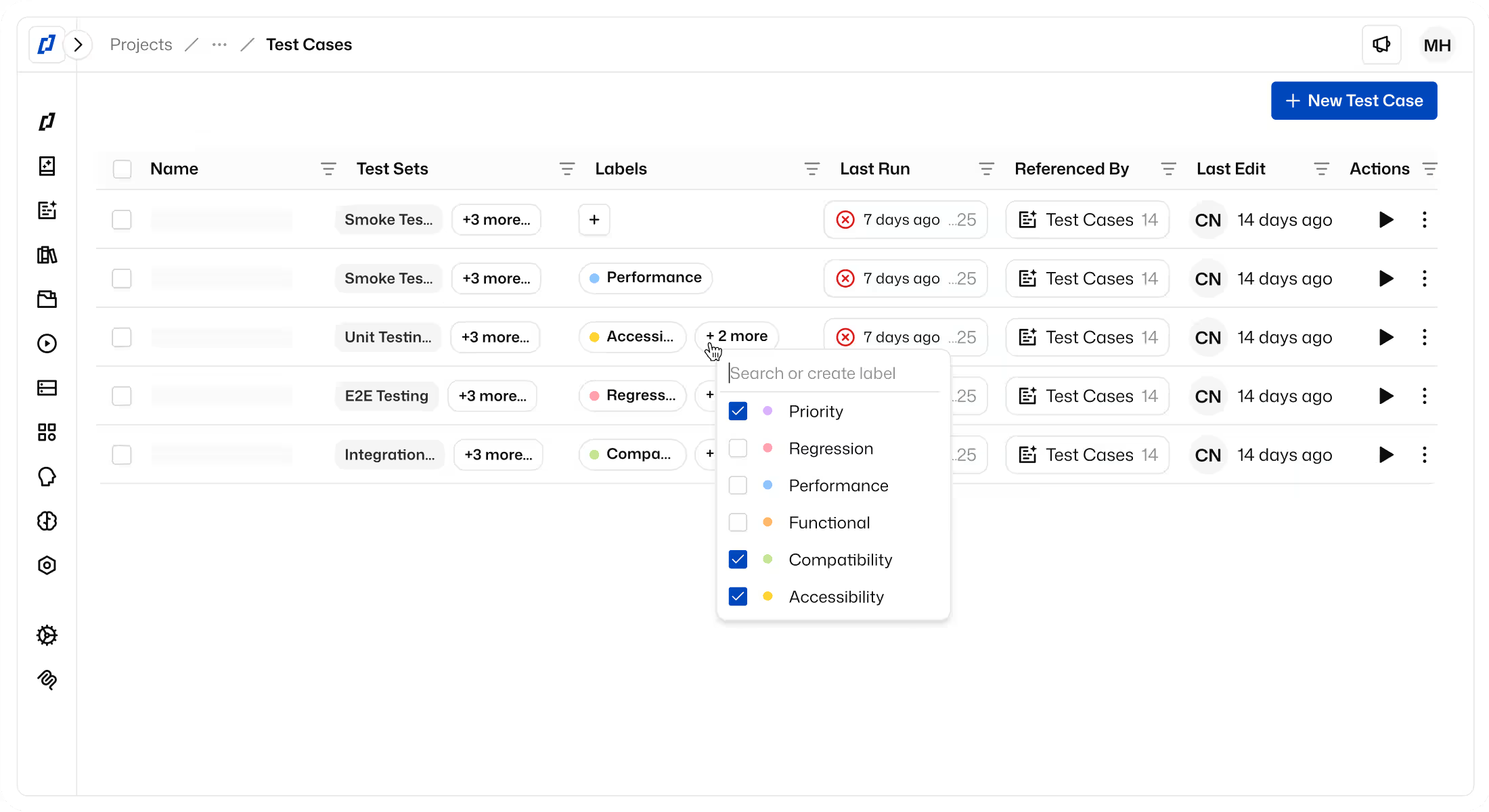
- Saved and default list views: Save the filters of a list as a view that your project shares. Start from a default view, such as your own test cases or the failed runs. Each active filter shows as a pill that you can remove.
- Thunders MCP: Your AI client can now cancel a test run, and get the content of a bug ticket from a failed test run.
IMPROVEMENT
- API test cases run without a browser: Thunders runs a test case that has only API steps without a browser, from the editor and from the run dialog.
- Environment overview: Each environment opens on an overview page with grouped sections. The overview shows which values replace a value of the project.
- Work with many test cases: Add labels to many test cases in one action. Filter the test runs by the person who started them. The test case and test run lists show an Apps column and an app filter.
- Thunders AI continues after a reload: A Thunders AI answer continues when you reload the page or lose the connection.
- Bug report for a JavaScript step: A failed JavaScript step gets a bug report. Copy the report or create a ticket from it.
- Mobile app settings per environment: Set the WebView handling and the Appium capabilities of a mobile app for each environment.
- Accessibility reports: The first page of the RGAA summary PDF shows the run context and the results for each page. The report explains each image that does not conform. Full-page screenshots and Visual Compare images show in full in the PDF report.
- Test asset usage: See how many test cases use a test asset in each group, and load more when you need them.
- Help on each page: The help button opens the documentation of the page you are on. The API tokens page links to the API documentation.
- Thunders MCP run evidence: Run evidence shows how Thunders found each element and which model calls the run made.
- Projects: The New project button is in the top bar of My projects. A new project takes the language of your account.
- US browser location in live sessions: A live session that uses a US browser location now runs in the United States.
FIX
- Run results and versions: A paused run that nobody resumes now ends with the result of its steps. A save on a branch writes one test case version, and the version numbers of main keep going up after a merge.
- Recorder: The recorder names a select after its label. It saves selectors that the first run can replay, attaches downloaded files to the recorded steps, and records no scroll that moves nothing.
- Step actions: Thunders waits for the page loader before it acts on a web page. It clicks the clickable part of a text, opens the list of a native select, and clears a field at a point of the screen. Clicks, typing, scrolls and waits on canvas pages are more reliable. Thunders also waits for a bot check that lets the browser through.
- Checks and assertions: A file check waits for a late download. A file assertion that the file cannot answer now shows as not verifiable. An assertion no longer states a fact that Thunders could not see on the screen. Visual Compare warns when no test asset holds the baseline that a step names.
- Profiles, apps and integrations: Inject Profile opens the stored address on a sign-in page that the profile holds nothing for. Thunders updates the app URL in your steps when you rename an app. Thunders AI finds the Test Executions of an Xray Cloud test.
- Run settings: The test case editor keeps your unsaved run settings when the defaults load. Thunders no longer selects a device pool that is archived or empty.
- Live view: The live view reloads when the browser service ends the view, and the live view of a capture stays open.
- Mobile runs: A recorded tap or swipe replays at the same point. iOS simulators allow Location before the app opens. The run settings show which settings iOS ignores, and the device list shows the availability of models with several OS versions.
- Billing: New organizations get their trial credits when onboarding ends. On a plan change, each add-on moves to the price of the new billing period.
- UI polish: A run shows its branch only when the run is on another branch. A run opens its test case on the branch of the run. The export of a selected test set run keeps the last attempt of each test. The upload dialog shows the 250 MB limit of a test asset. An app with no URL shows Missing URL. A tooltip explains a locked platform tab. The activity list shows one line for each test run.
Ready to ship faster with smarter testing?