Organize and preview Test Assets, link test cases to connected tools…
TL;DR
Organize data sets and test files in shared folders, preview their contents, and see which test cases use them. Find and resume Thunders AI sessions from the sidebar, and connect test cases to items in your connected tools, including Xray and Linear. This release also improves conditional test outcomes, visual comparisons, and everyday test editing.
FEATURE
- Organize and preview test assets: Manage data sets and test files separately, organize them in shared folders, preview their contents, and see which test cases use them. Save files downloaded during a run to Test Assets for reuse.
- Set the outcome of a conditional stop: When configuring a conditional step with the Stop action, select Success, Failed, Inconclusive, or Skipped. If the condition is met, the run stops with that outcome; otherwise, execution continues.
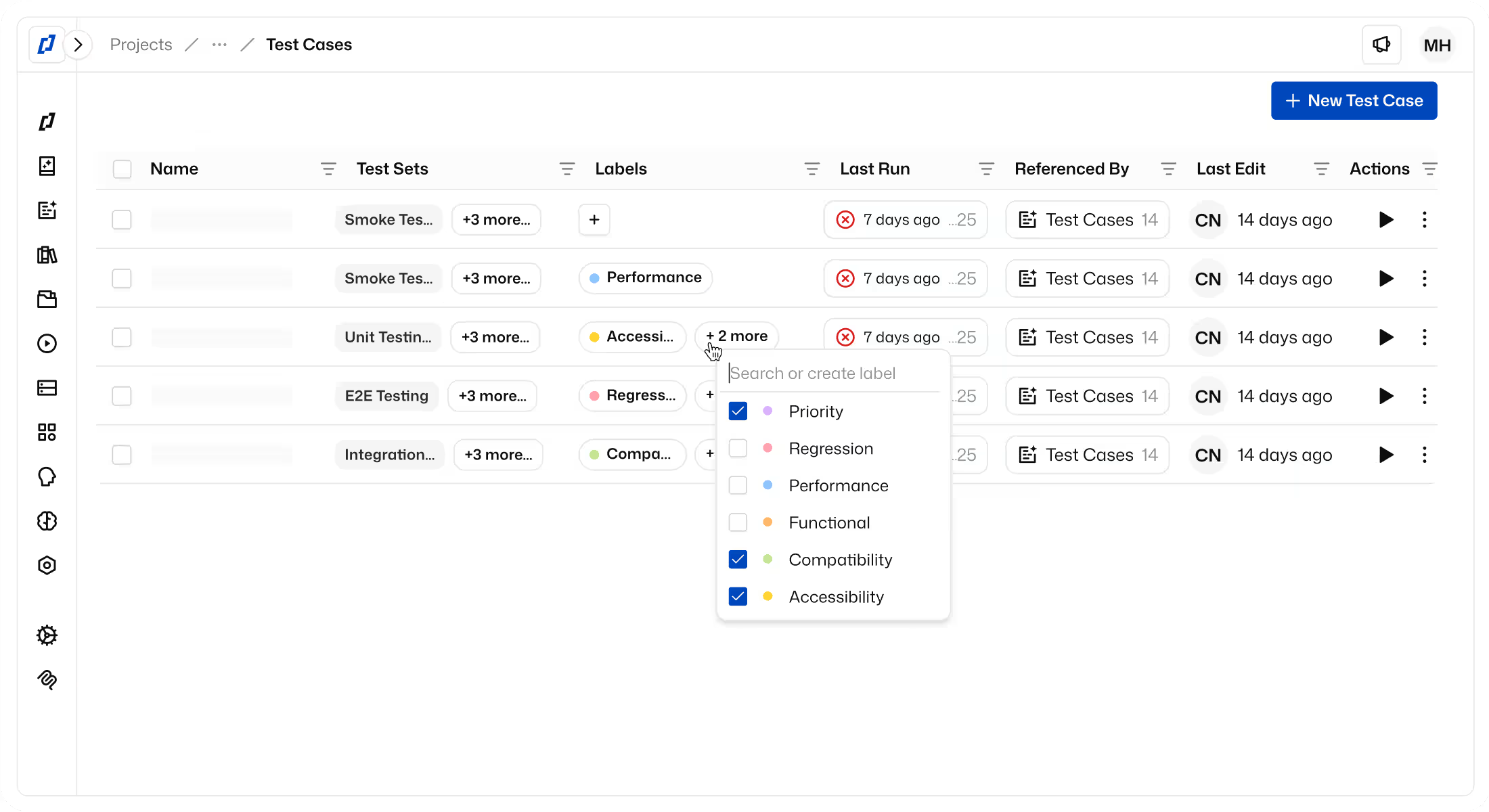
- Connect test cases to your tools: Link a test case to an item in a connected tool, such as an Xray test or a Linear issue, using its URL or supported identifier. Keep the test case connected to the work it validates.
- Clearer help with app access: If the access check detects a bot challenge, enable Stealth Mode and retry. Forbidden (403) responses show dedicated troubleshooting guidance, including network allow-list information.
- Find and resume Thunders AI conversations: Access Thunders AI session history from the sidebar and return to the latest conversation for a test case, test set, or test run.
- Basic authentication for AI browsing: Set a basic-auth username and password in the conversation’s Web Browse settings to override the environment credentials. The override applies to the first website visited, not other sites reached through links or redirects.
- Inspect reused test cases: Expand or collapse reused test-case steps in both the editor and the run viewer.
- Update multiple steps at once: Select steps and use the bulk action bar to skip or re-enable them together.
- Understand test-set run duration: For completed test-set runs, view a breakdown of initial execution, re-runs, and waiting time between tests.
- More capabilities for Thunders MCP-connected agents: Manage Test Assets data sets, files, and folders from your AI client. For Chrome and Chromium web debugging, continue the same run from a changed or failed step while retaining the browser session.
IMPROVEMENT
- Less unnecessary waiting in runs: Reduced fixed waits and improved page-stability checks help cached runs progress without avoidable delays.
- Easier console-error review: Console errors are grouped in an expandable row for each step.
- Project settings navigation: Find project settings sections directly in the Configure sidebar.
- More efficient navigation in large projects: Test-case, test-set, and test-run pickers and filters load results in batches instead of fetching the entire list at once.
- Dismiss notices per test case: Dismiss a banner for an individual test case without affecting other test cases.
- Open duplicated test cases directly: After duplicating a test case from the list, follow the confirmation link to the new copy.
- Consistent AI-initiated runs: Runs started from a Thunders AI offer use the test case’s existing execution settings.
- AI keyboard shortcuts: Press G, then N to start a new session, or G, then H to open history. These key sequences avoid the previous browser-shortcut conflicts.
FIX
- More reliable element targeting: Improved row selection in lists and PowerApps galleries, avoided header-checkbox clicks when targeting a row, and improved calendar selection inside iframes. Disabled-state checks recognize controls marked with aria-disabled.
- More reliable recordings: Improved recorded icon-link labels, handling of repeated element IDs, and scroll ordering around dropdowns.
- More reliable visual comparisons: Improved detection of small text and subtle color differences, reducing missed visual changes.
- Correct Excel value formatting: File checks preserve Excel cell formats, including dates and percentages.
- Xray Cucumber and Generic result syncing: Fixed result syncing to Xray Enterprise Cucumber and Generic tests by sending overall results without unsupported per-step results. Manual tests retain step-level results, and sync failures show the underlying Xray error.
- AI browsing and instructions: Browsing waits when a saved authenticated profile is busy instead of continuing signed out. Typing a full /skill-name applies the skill, and “Stay on main” is respected without repeated branch prompts.
- AI chat and debugging: The send button remains visible for long messages, and debug-run suggestions use captures from the current run.
- Clearer startup failures: If the initial run-hub connection times out after 30 seconds, a network warning replaces the indefinite preparation state. This is a connection timeout, not a limit on environment preparation time.
- More accurate run context and feedback: Resumed steps retain earlier execution context, failed profile injections show clearer warnings, and false conditions no longer display a misleading failure-explanation prompt.
- Schedules inherit test settings correctly: Schedules retain explicit overrides while inheriting per-test settings, rather than freezing built-in browser defaults.
- More reliable mobile execution: Improved selection of the correct app’s WebView. Unsupported gestures or gestures with no visible effect no longer incorrectly report success.
- More focused accessibility audit feedback: RGAA checks better recognize real-page patterns, and the audit grid’s modification notes focus on non-compliant tests.
- Test editing and lists: Removing the last test case clears the test-set grid immediately. Test cases without saved versions show Current rather than Unsaved. Copied steps retain their selected app, and bulk deletion works when reused-test-case steps are selected.
- Interface fixes: Restored JavaScript syntax highlighting, fixed the Billing information link, added scrolling for the zoomed live browser, and improved screen-reader access to table filter controls.
Ready to ship faster with smarter testing?